



High End Photoshop Assets To Elevate Your Visuals
Trusted by over 30,000 creatives, agencies and major brands around the globe.

Bundle Deals
Save big when getting any of our bundles compared to buying individually.

Photoshop Master Bundle™
-
All 7 individual packs
-
All 338 high-res Overlays
-
All 297 high-res Brushes
-
80 minutes of video tutorials
-
PDF Instruction Guides
-
Full Commercial License

ATMOS Pro Suite
-
233 high-res Overlays
-
233 high-res Brushes
-
50 minutes of video tutorials
-
PDF Instruction Guides
-
Full Commercial License
-
Halo Pro
-
Snow
-
Anamorphic Pro

Master Lighting Kit™
-
142 high-res Overlays
-
10 minutes of video tutorials
-
PDF Instruction Guides
-
Full Commercial License
-
Vapor Pro
-
Light Rays Pro
-
Snow
Shop products individually

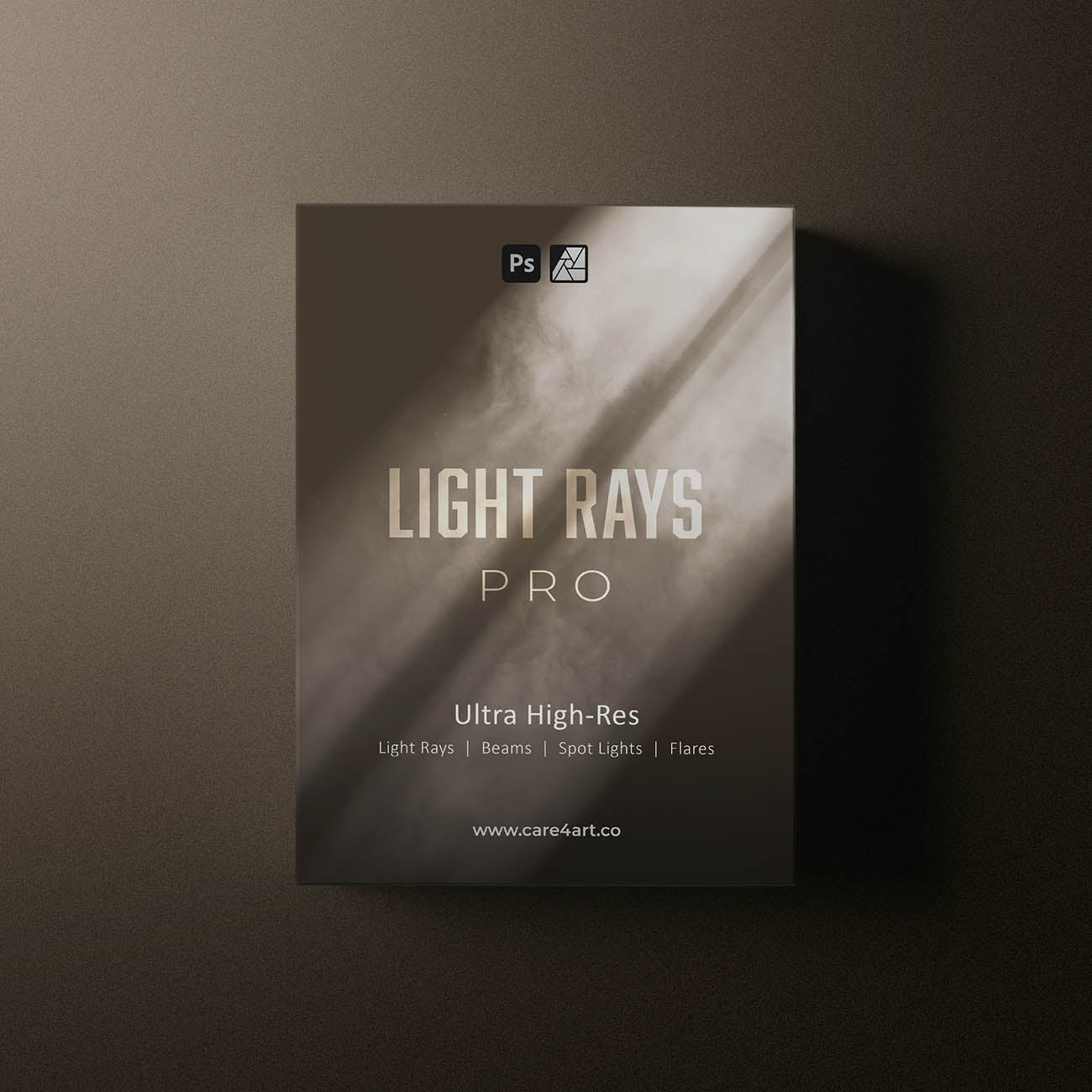


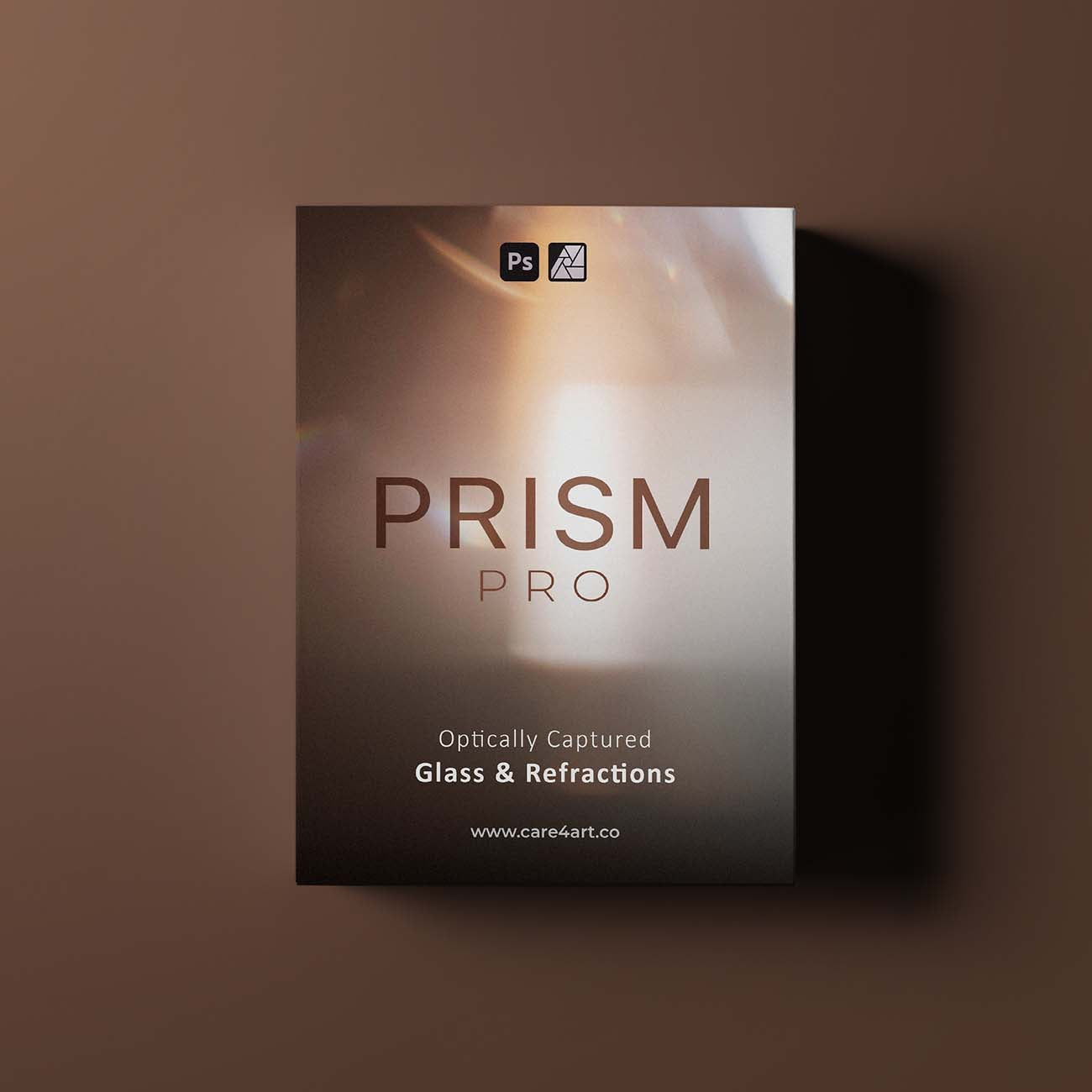
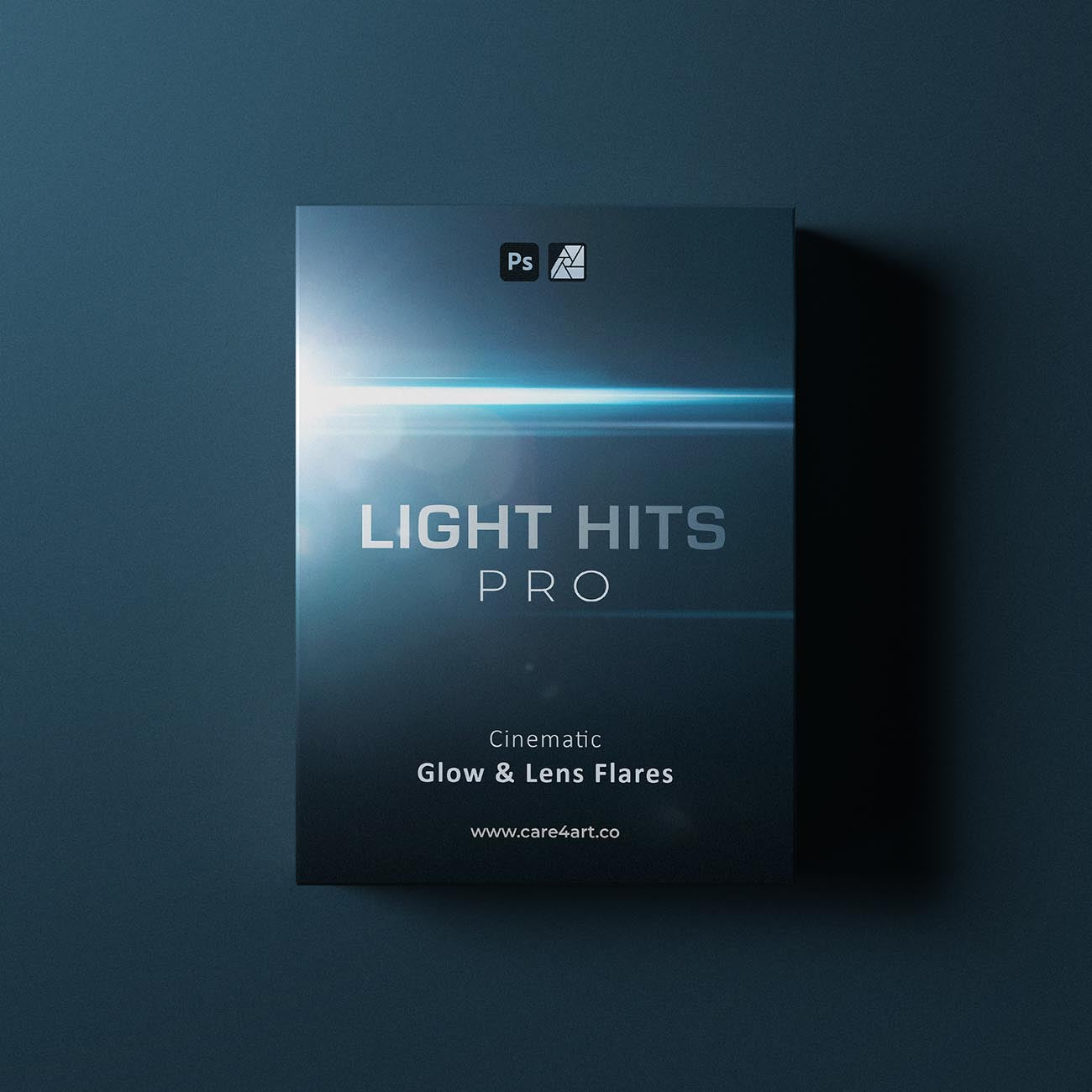

Get ready to create cinematic magic.
Why choose our assets?
As opposed to other companies, we shoot all of our assets in-house. We do not 3D render or AI upscale any of them, but instead shoot all assets in real life with real cameras (often referred to as "optically captured") which gives them the realistic look. For that, we use the latest pro model cameras, resulting in unparalleled quality and high-res overlays with up to 11000 pixels on the long edge. This makes us the only company offering overlays with this high of a resolution straight out of the camera.
Photoshop Master Bundle™See our products in action.
A blog about our products and how creatives use them to achieve game-changing results.
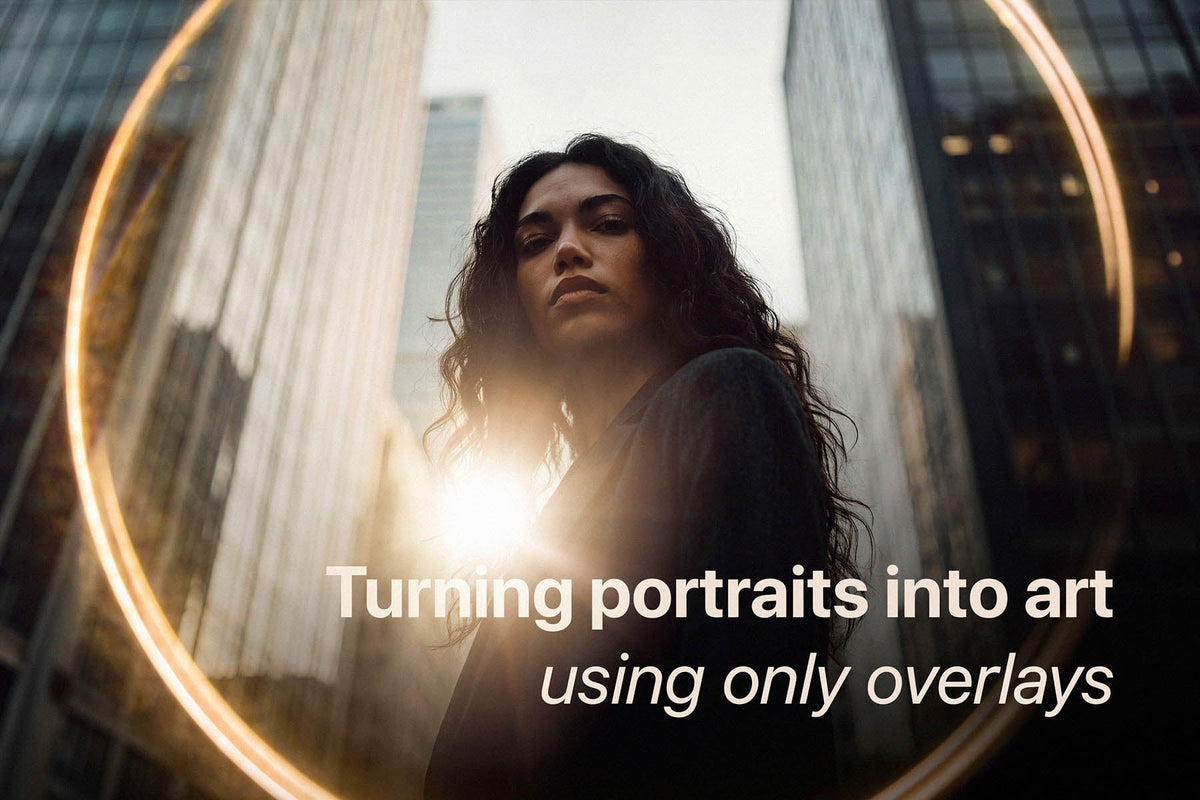
How to Add Mood and Character to Portrait Photos (3-Step Editing Method)
Let’s be honest: we’ve all taken a portrait that is technically spot-on. The focus is crisp, the exposure is right where it needs to be, and your subject looks great. And yet, it feels a little pla...
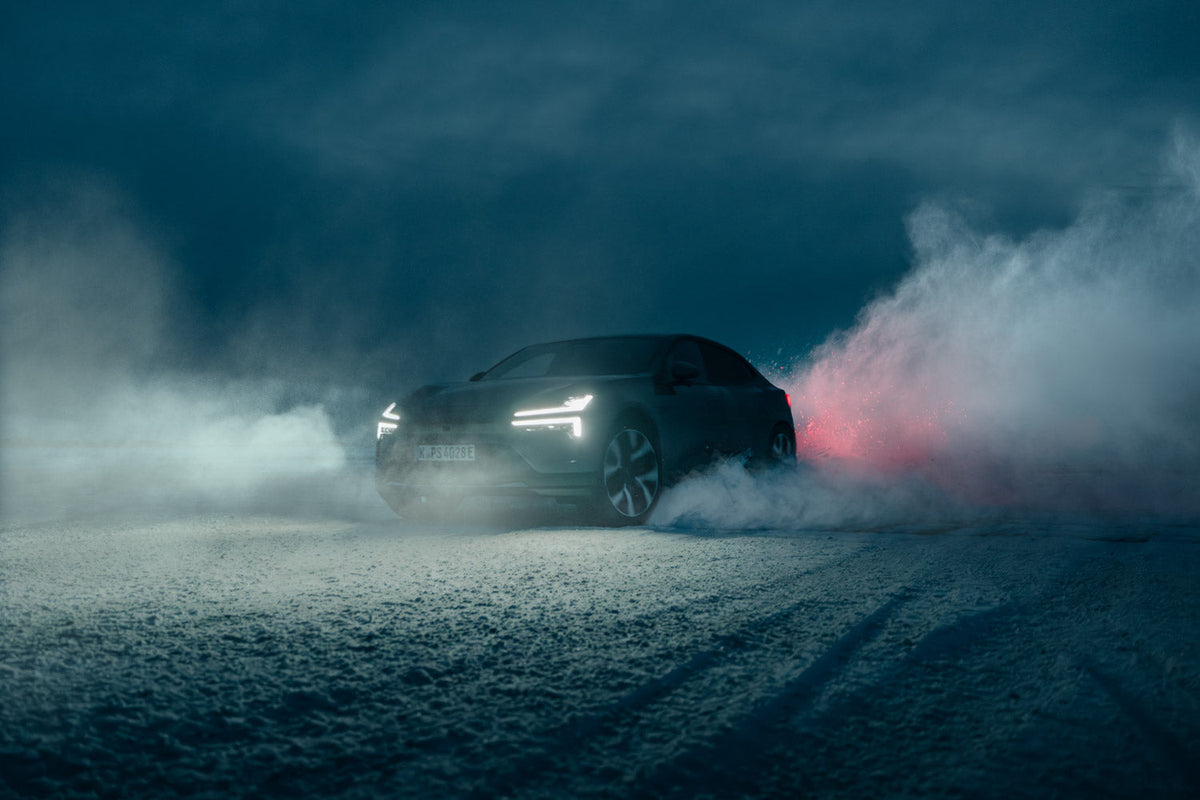
How to Use Photoshop Overlays on High-Resolution Photos Without Banding
Shooting a high-end commercial campaigns on medium format? Discover why standard overlays fall apart at 100MP, and how care4art.co is rewriting the rules for pro-grade post-production.
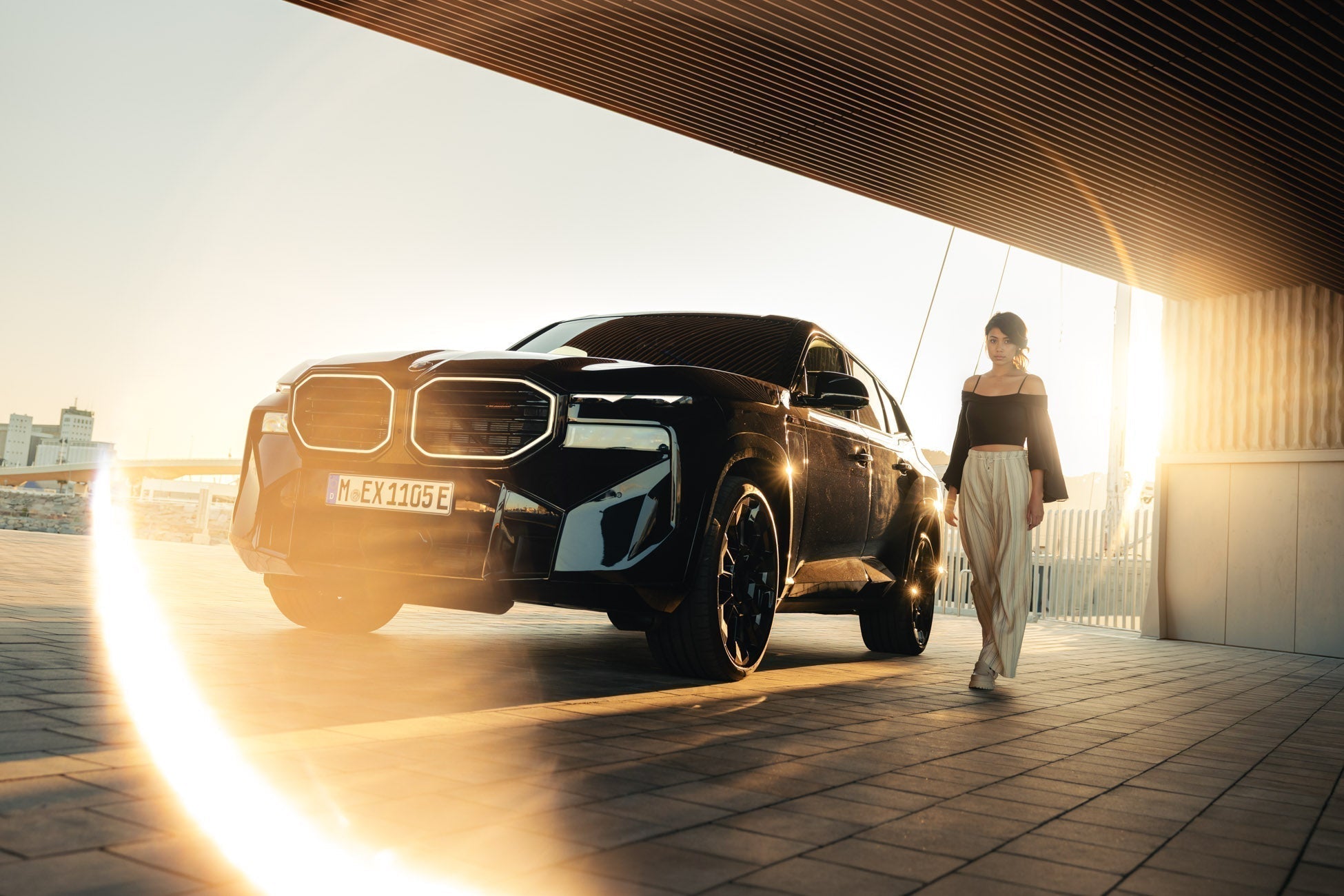
How to Create a Ring of Fire / Halo Light Effect in Photoshop
This post introduces the Halo Pro Optical Overlay Pack, a collection of 28 "Ring of Fire" light effects captured from real physical optics rather than AI or digital simulations.
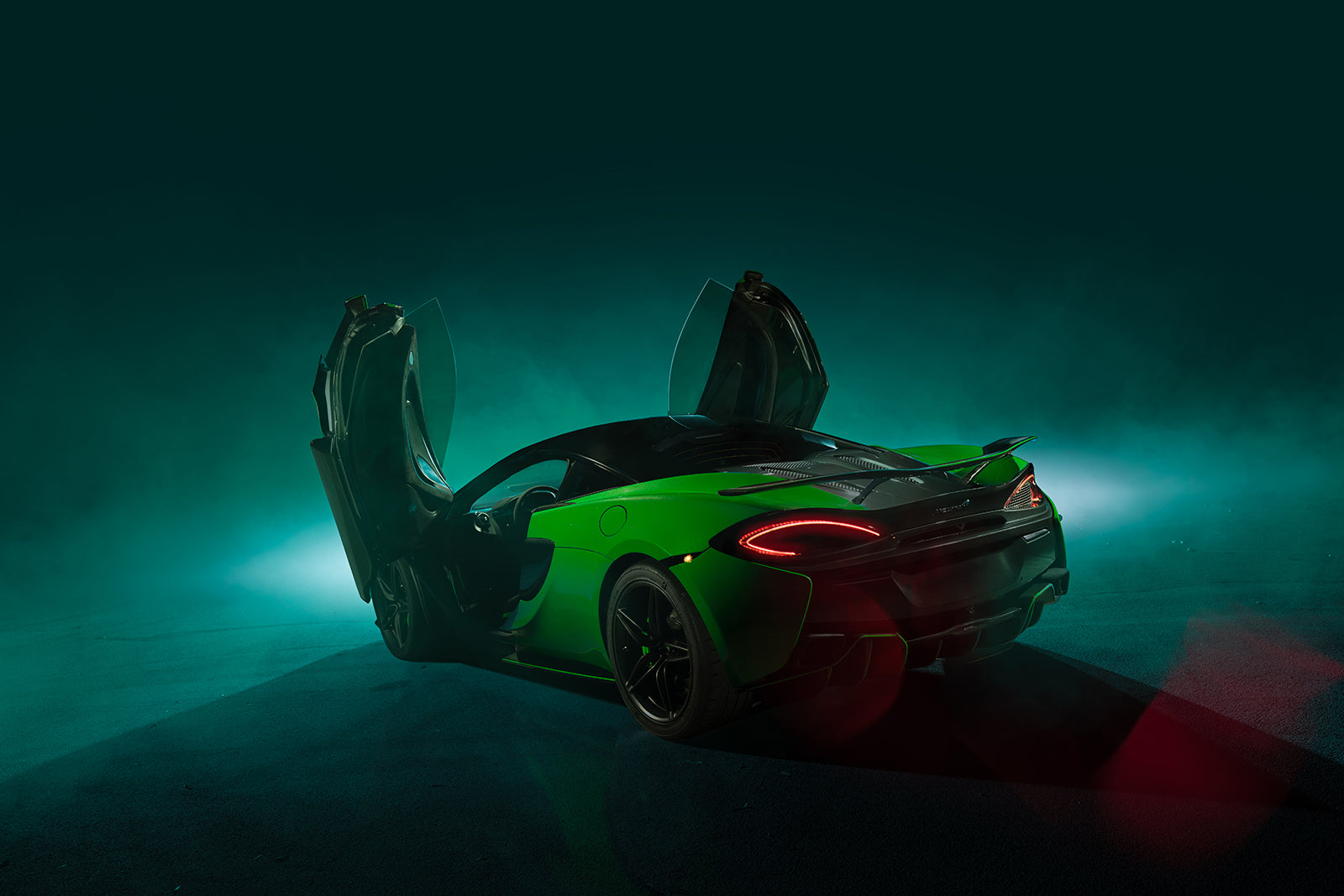
Cameron Scialdone's automotive photography
Automotive photographer Cameron Scialdone uses strobe lighting and care4art.co Photoshop brushes and overlays to sculpt light, emotion, and cinematic depth into every frame.
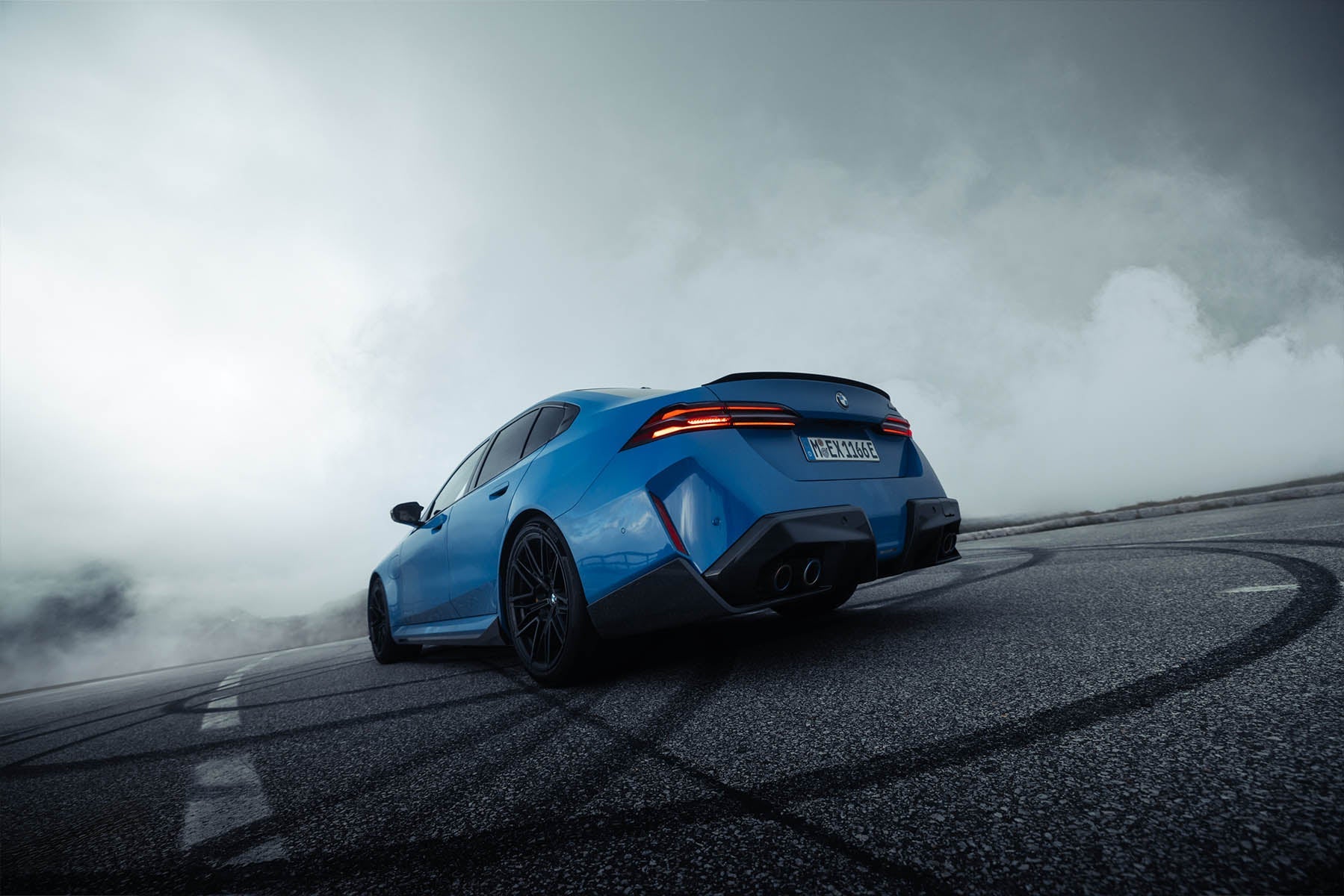
How to Photograph and Edit Car Exteriors for Automotive Brands
Shooting for a car brand is different from shooting for yourself. The pressure to make a familiar vehicle look genuinely cinematic, not just "car in a parking lot with nice light," is real. Here's ...
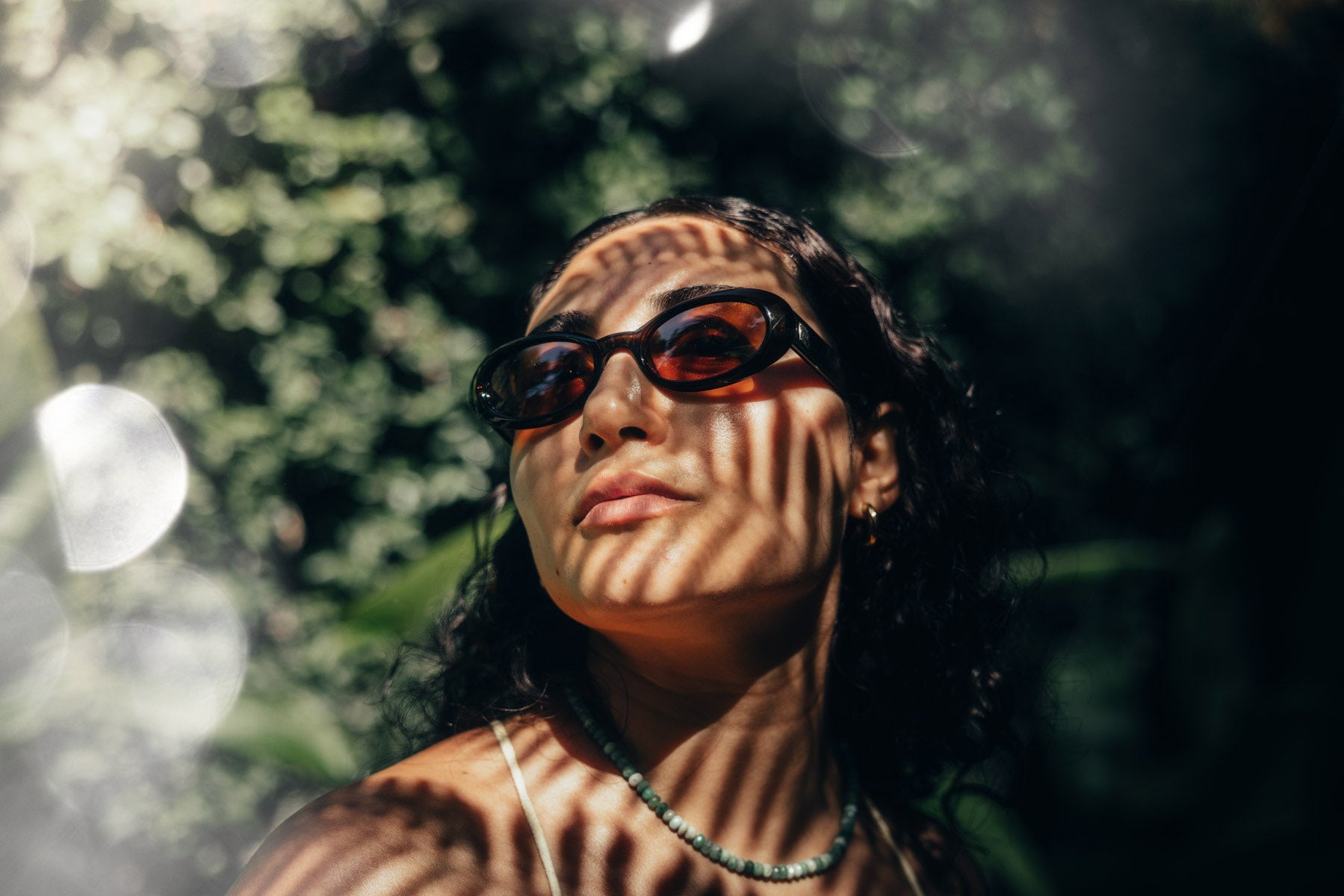
Want That Vibey Lifestyle Look? It Might Just Be One Overlay Away.
How One Overlay Can Totally Change the Vibe of a Photo What difference could one overlay possibly make to a photo? A big one, if I do say so myself. I get asked all the time about my style and how ...