


Photoshop / Photoshop Master Bundle™

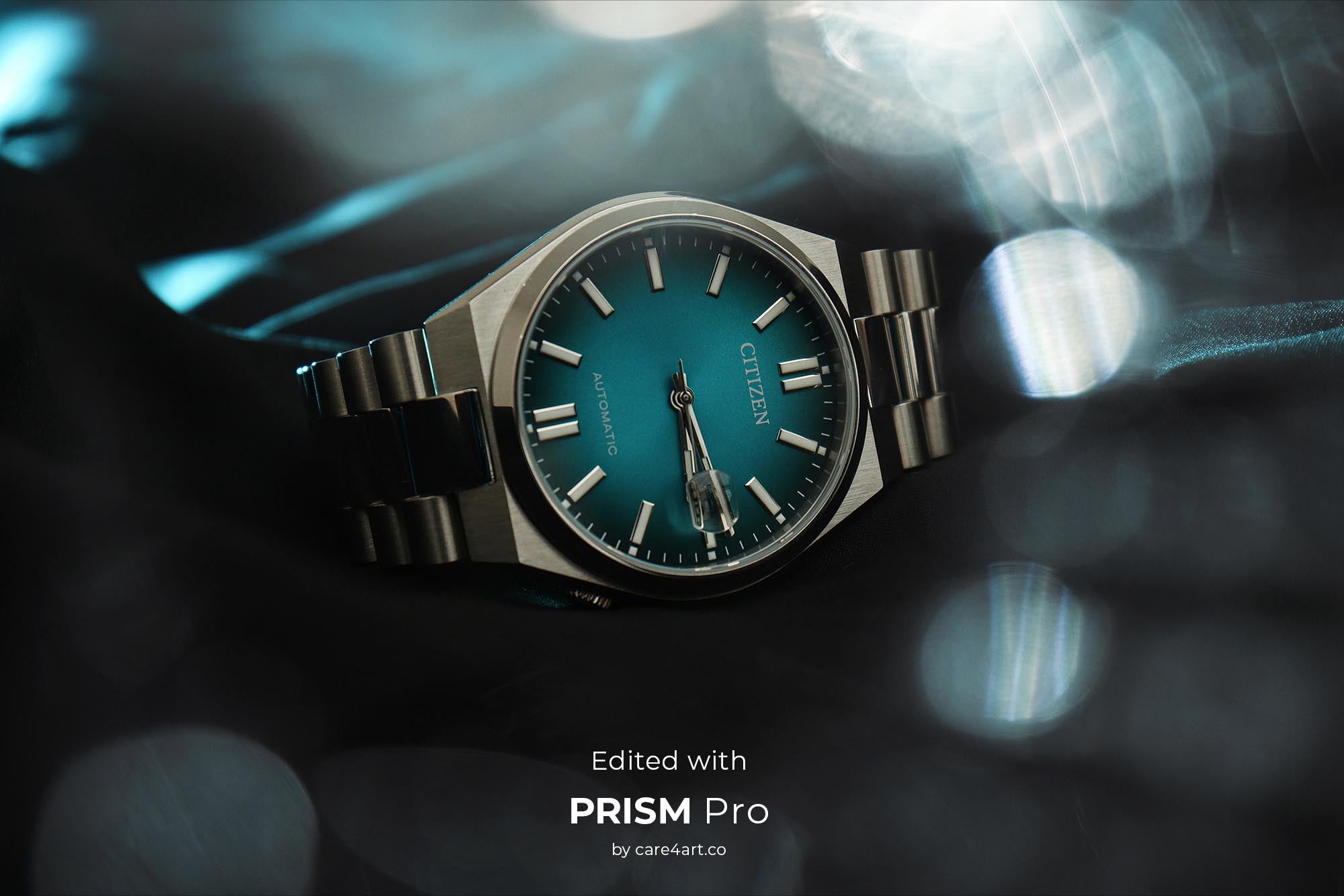
Photoshop Master Bundle™
Tax included.
Use code **Summer15** at checkout for an extra 15% off!
Unlock your full creative potential.
This bundle contains our entire library of 337 overlays and 297 brushes at a special discount price. The perfect tool to get creative and stand out in the crowd.
✓ Optically Captured (No "AI" look)
✓ Up to 11K Resolution (For crisp, large-scale prints)
✓ Instant Download (Get creating in 3 minutes)
✓ 80 minute video tutorials (learn from a pro retoucher)
✓ Compatible with Photoshop, Elements, Affinity, Pixelmator Pro, ON1 & more
All of our assets are shot in-house. None of them are 3D rendered, meaning we shoot all assets in real life with real cameras which give them the realistic look. For that, we use the latest pro model cameras, resulting in unparalleled quality and high-res overlays with up to 11,000 pixels on the long edge.
- 337 high res jpeg and/or png overlays (up to 11,000px)
- 297 high res Photoshop Brushes (up to 5,000px)
- Photoshop Action for best looking results
- 80 minutes of video tutorials on how to use the overlays & brushes in PS
- Installation Guide for Photoshop (PDF)
- Installation Guide for Affinity Photo (PDF)
- Photoshop CS6 and newer
- Photoshop Elements
- Affinity Photo & Studio
- Pixelmator Pro
- ON1 Photo Raw
Compatible with Mac and Windows
Please note: In order to store the overlays in the Creative Cloud library, Photoshop CC is required.

Save big compared to buying separately.
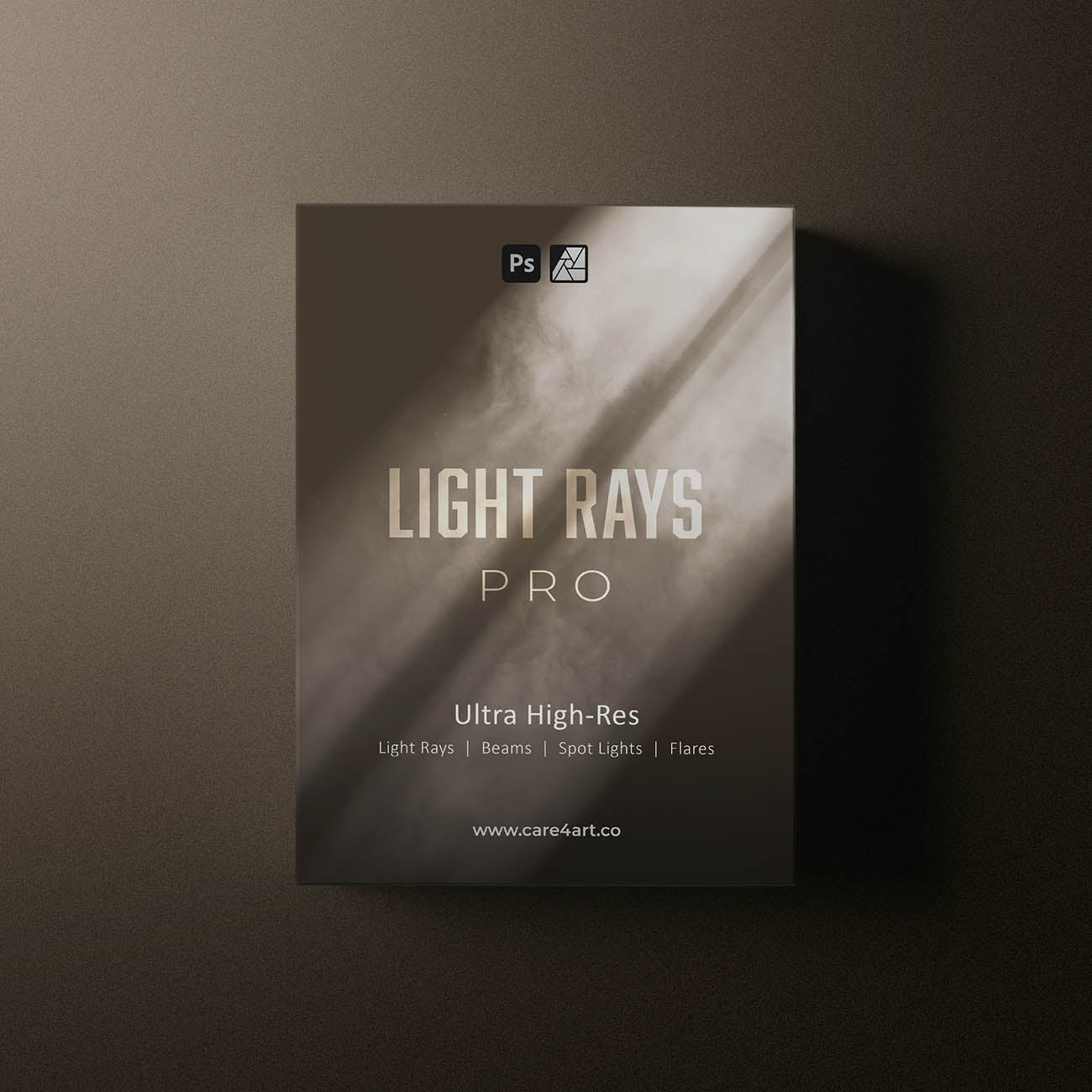
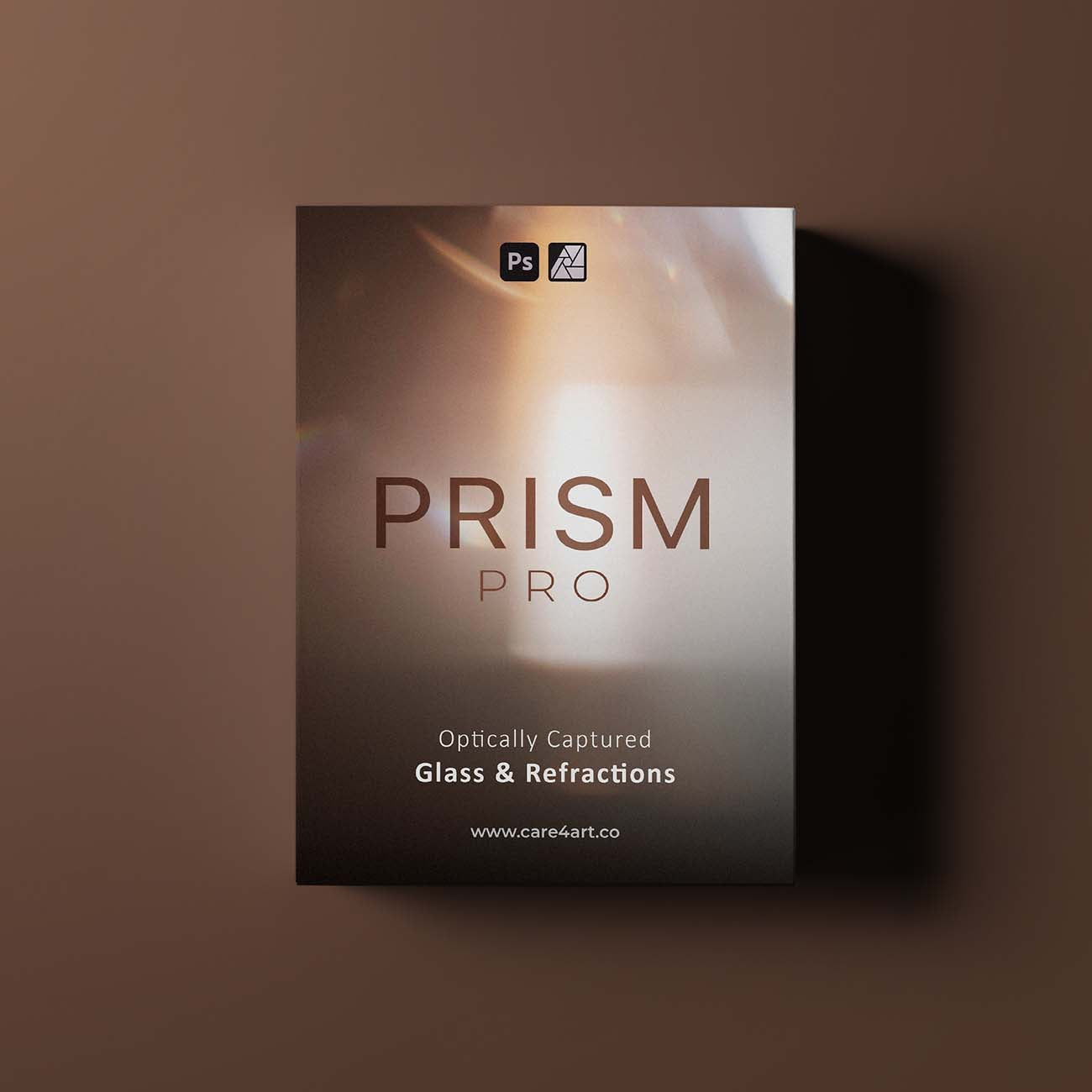
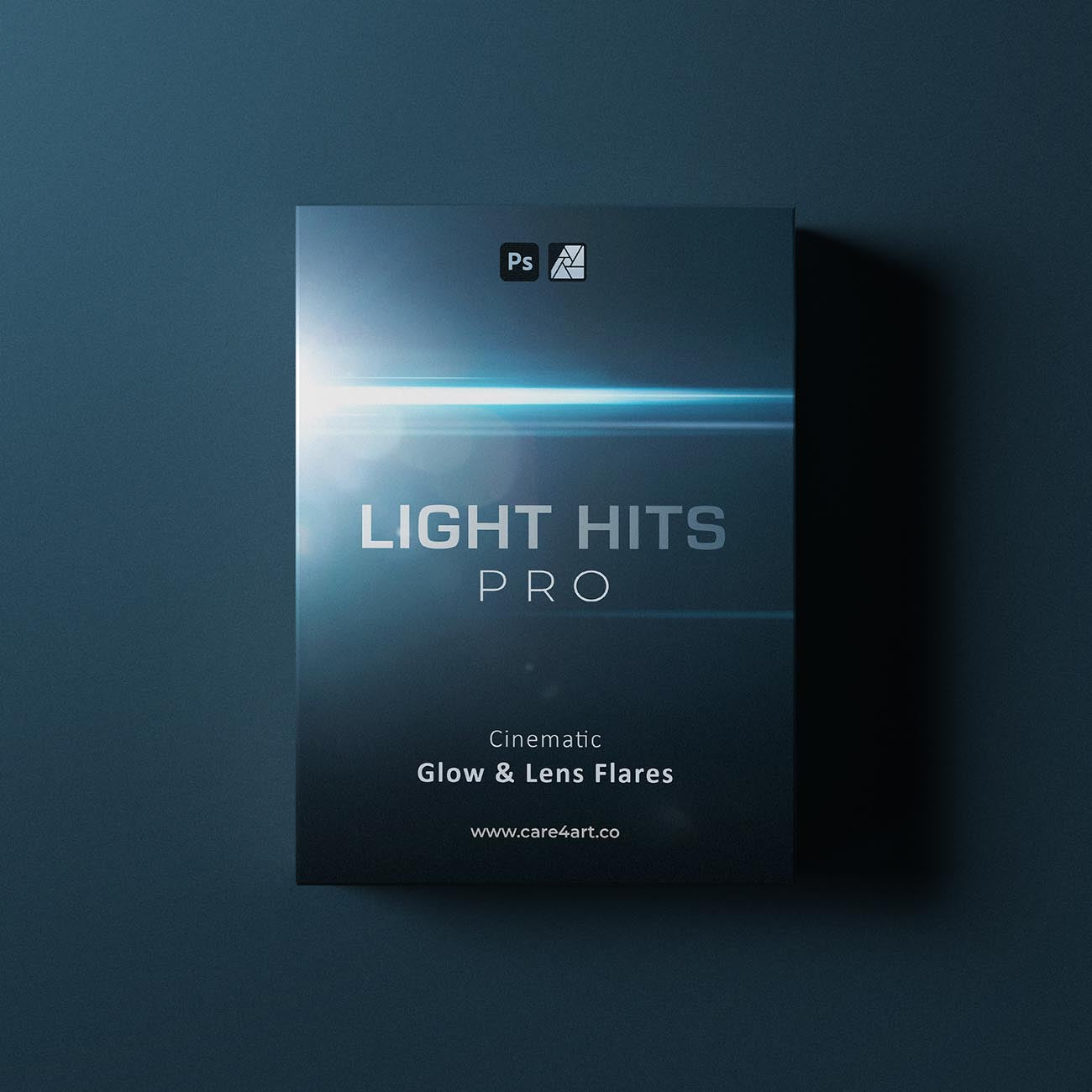
These packs are included in the Photoshop Master Bundle:



Trusted by


Learn more
What's inside?
This bundle contains our entire library of Photoshop brushes & overlays.
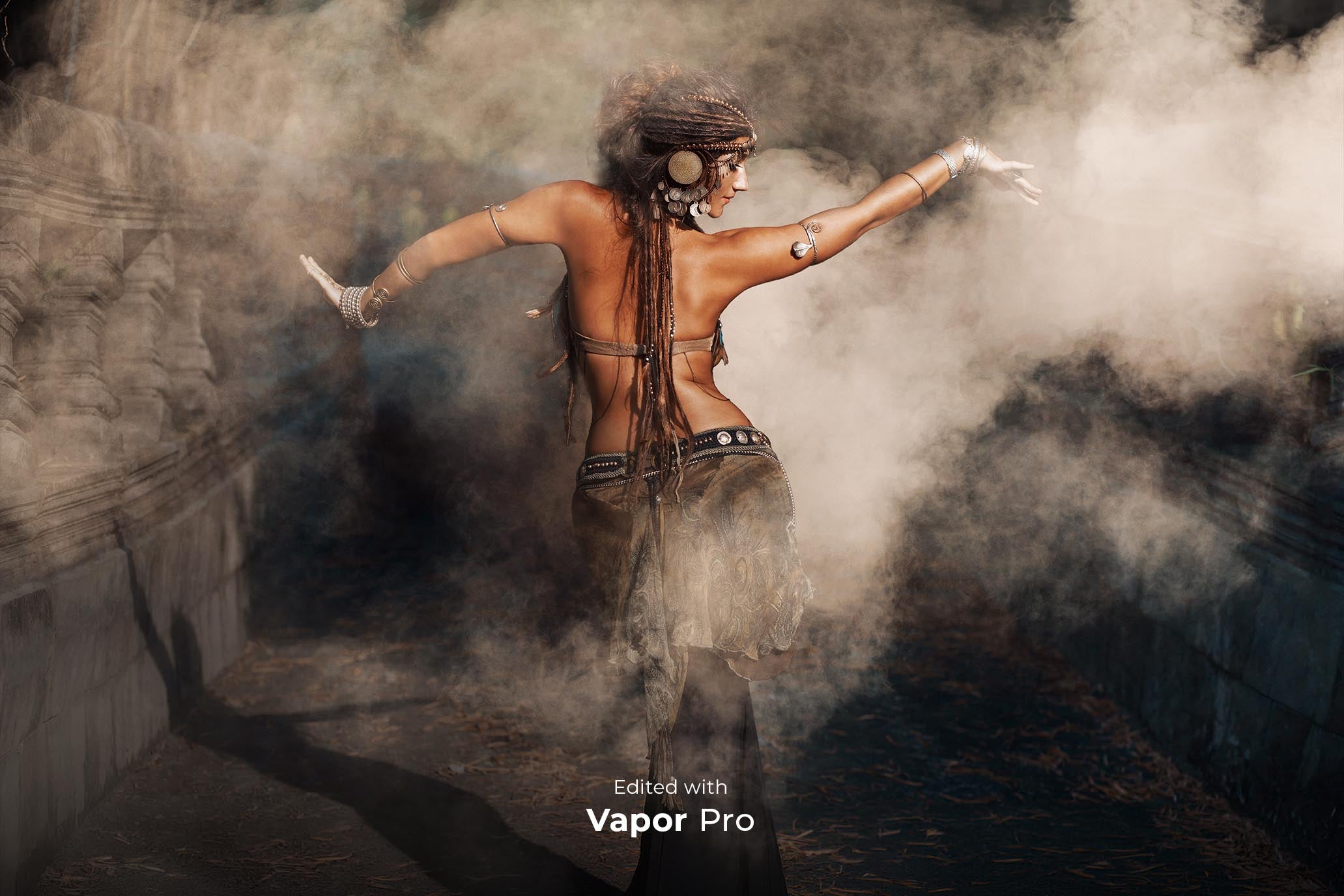
Optically captured super high-res dust clouds, smoke, fog, water mist & clouds
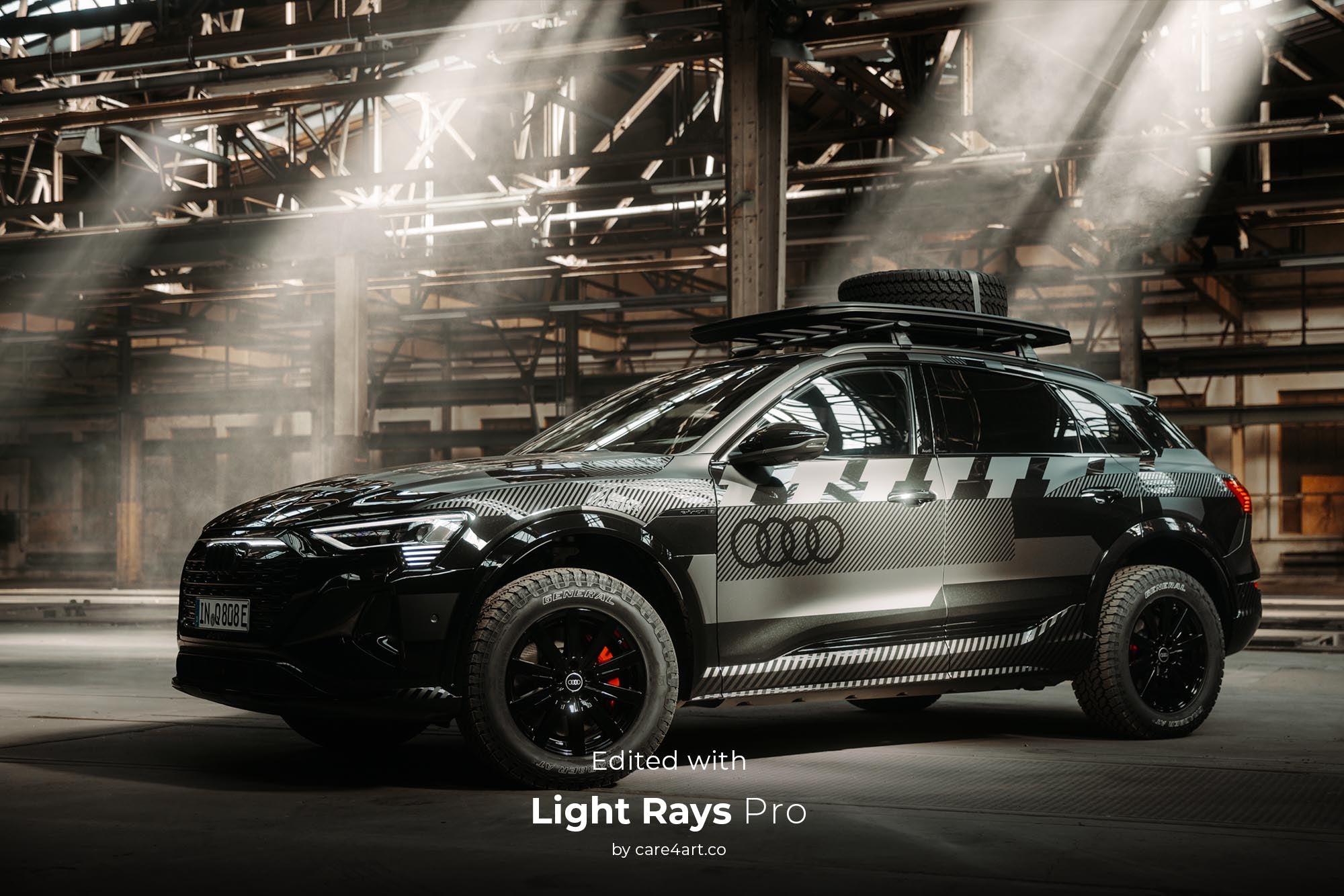
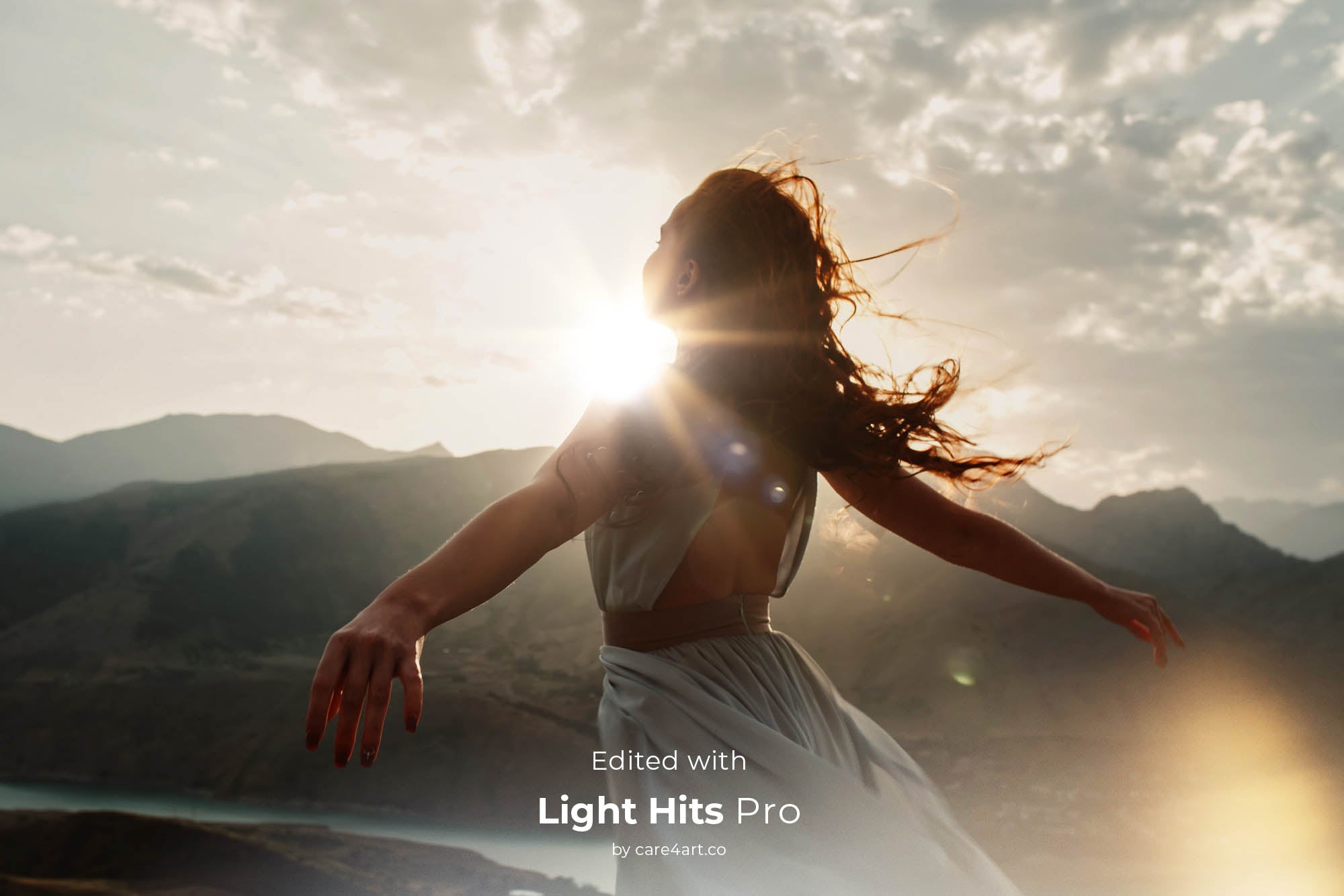
Super high-res light rays, beams, flares & spotlights.
Optically captured glass and crystal elements
Optically captured glow & cinematic flares
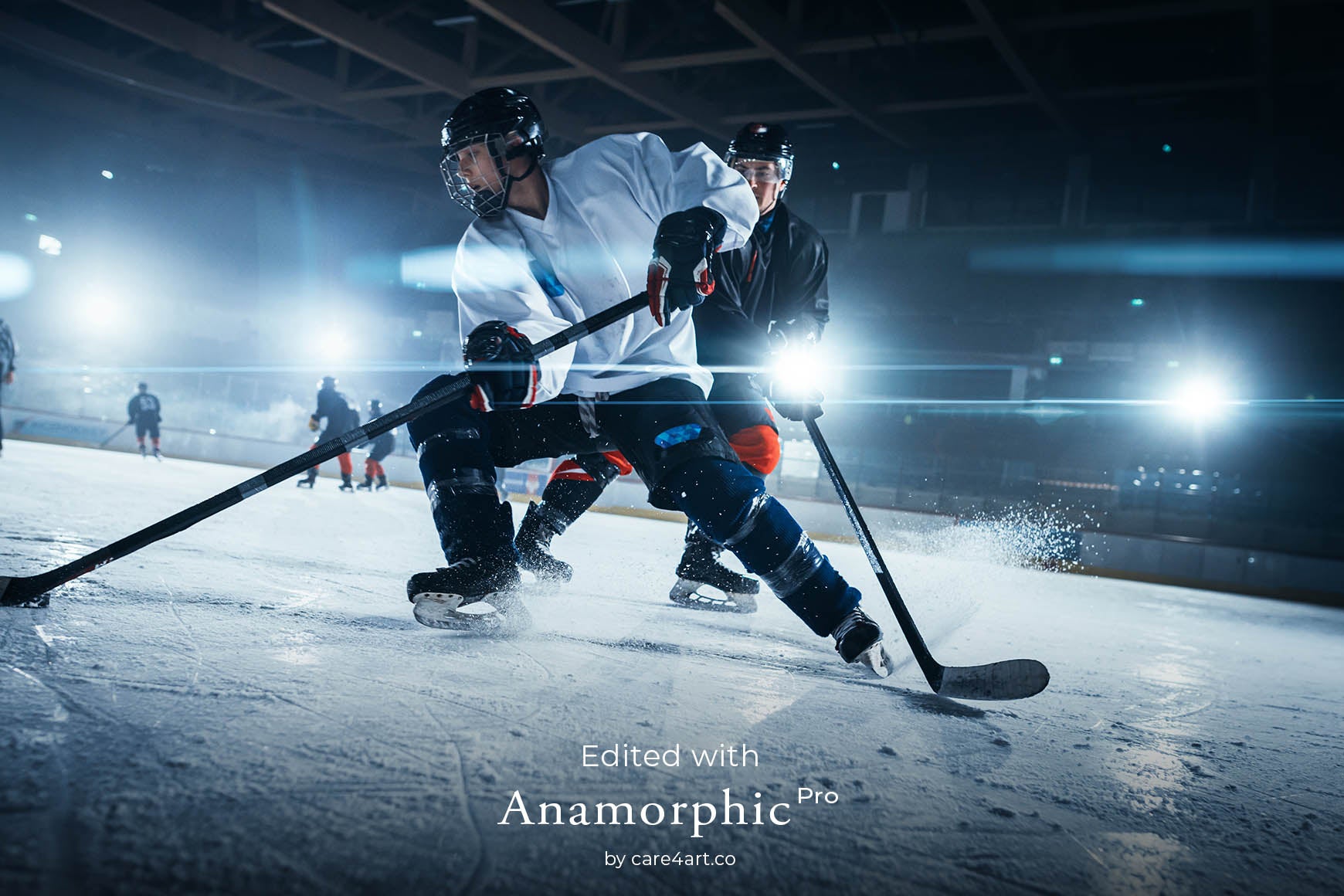
Optically captured real anamorphic lens flares, captured with actual cinema lenses
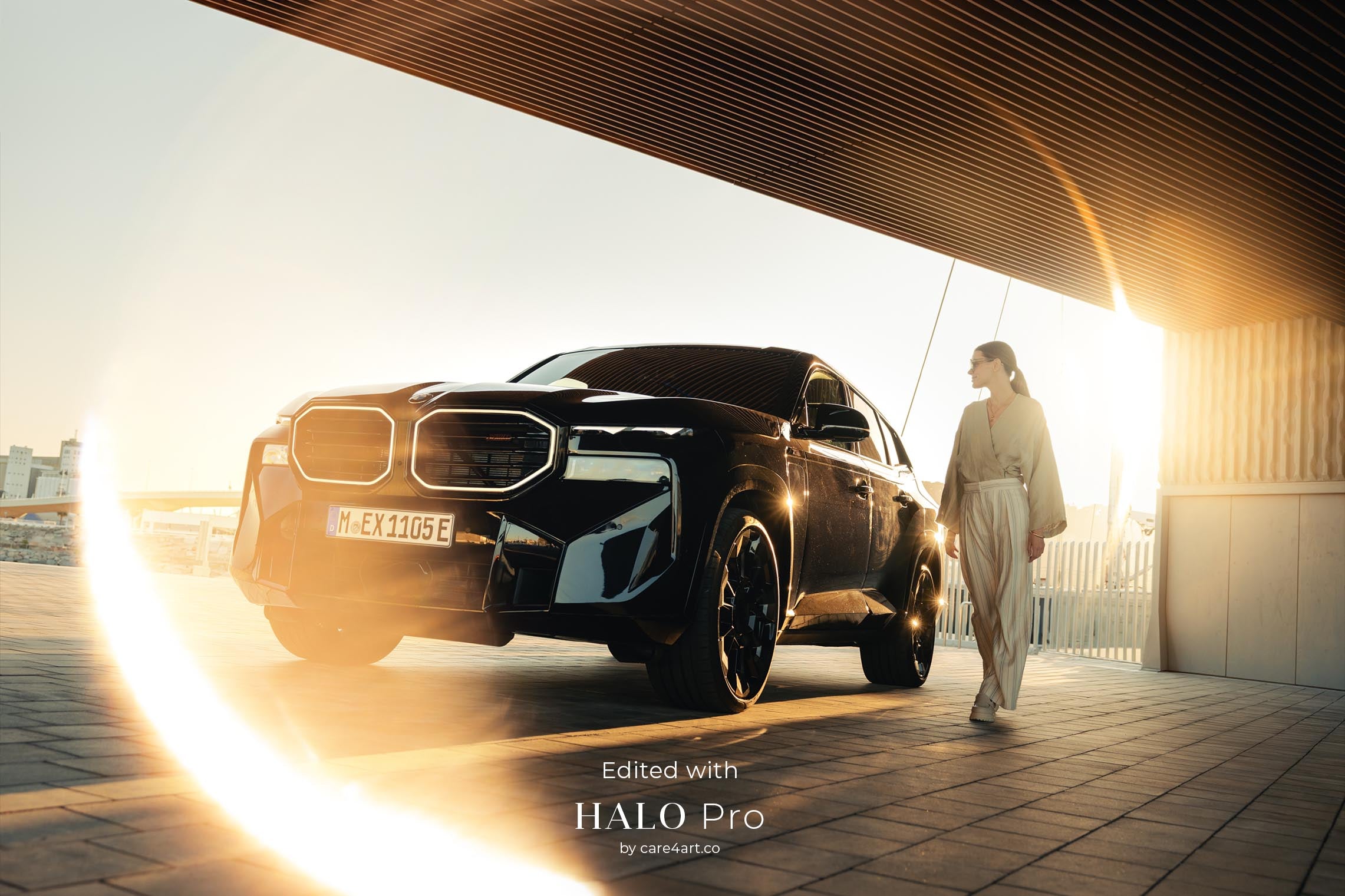
Pro-grade optically captured "Ring of Fire" halo overlays
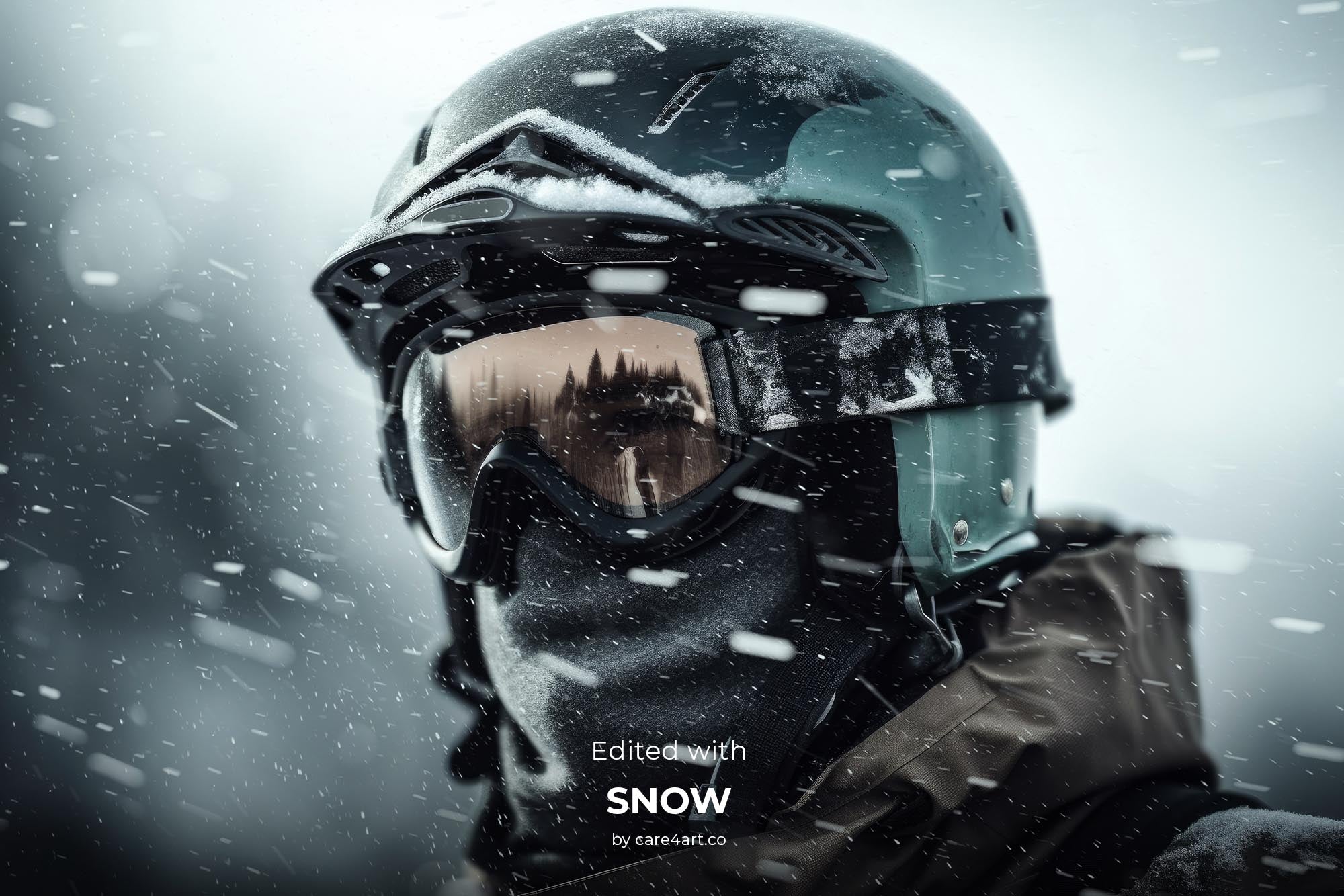
Optically captured snow assets, including fast, regular, light, heavy and stylized snowfall
Dive into the world of cinematic magic.

As seen in projects for
BMW M

As seen in projects for
Audi

As seen in projects for
Marriott Hotels

As seen in projects for
Porsche
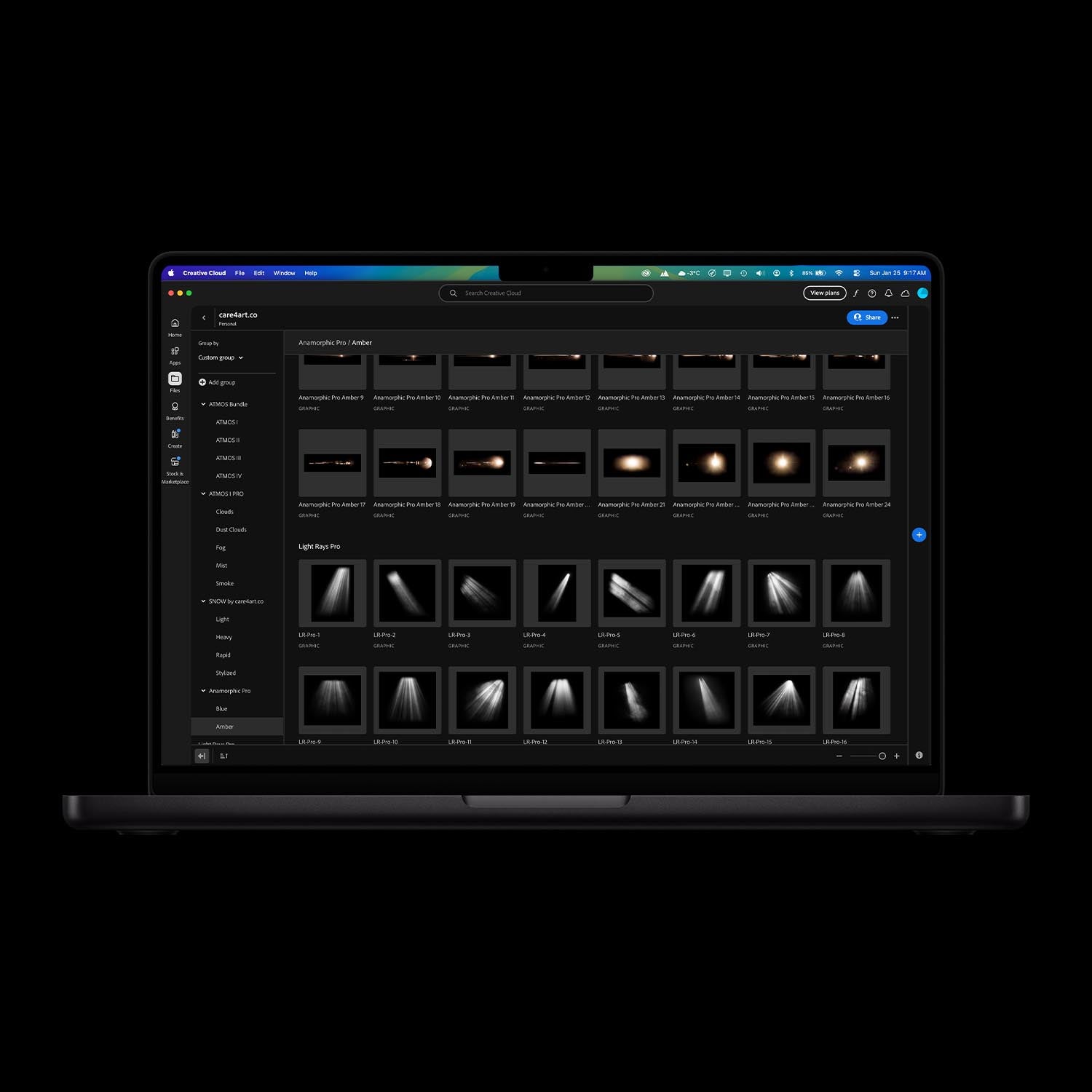
You will get
• 337 high-res overlays (up to 11000px)
• 297 high res Photoshop Brushes (up to 5000px)
• Photoshop Action for best looking results
• 80 minutes of video tutorials on how to use the overlays & brushes in PS
• Installation Guide for Photoshop (PDF)
• Installation Guide for Affinity Photo (PDF)
Compatible with Photoshop & Affinity Photo
Download size: 15GB
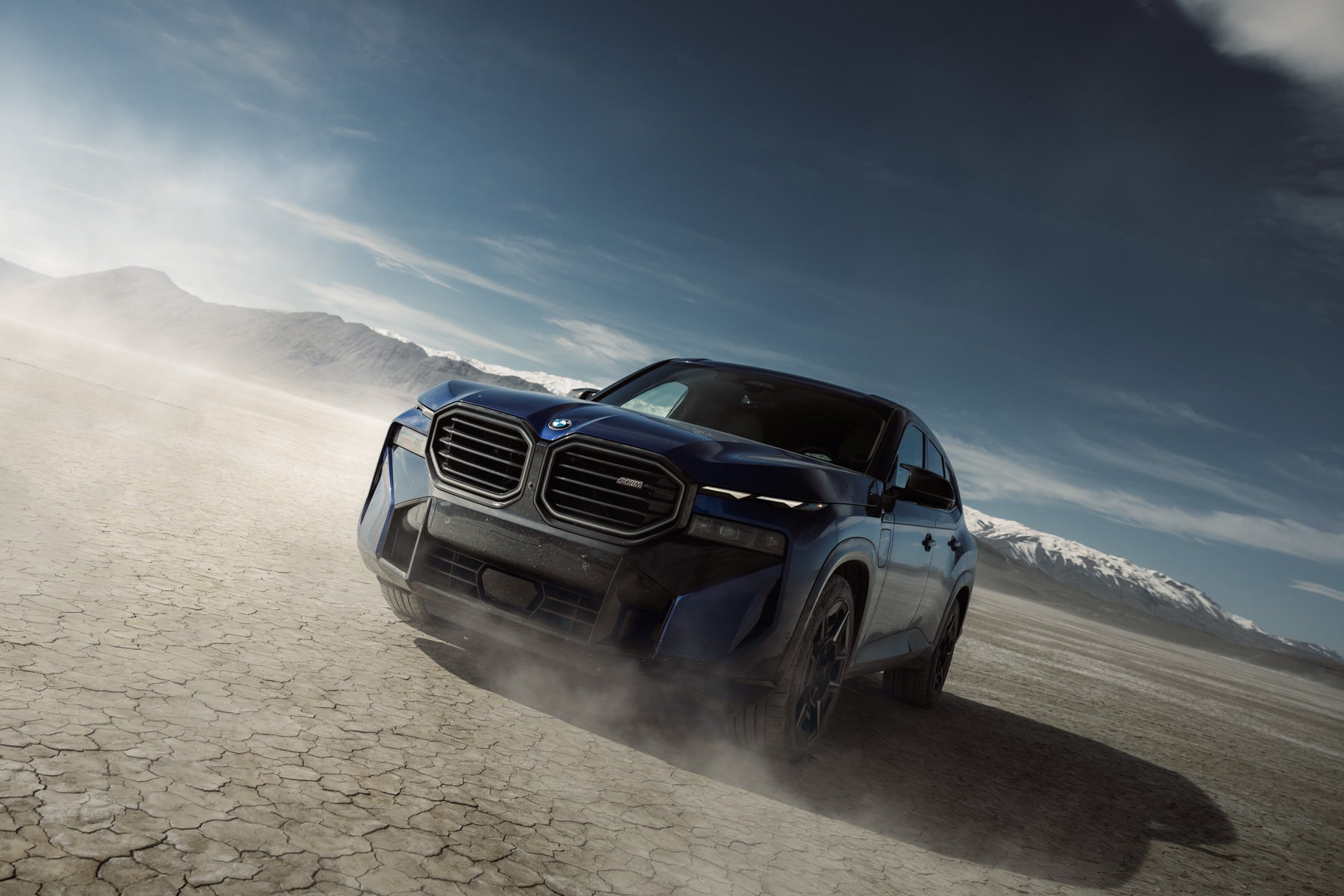
About the Bundle
An incredible 338 optically captured and high quality jpeg overlays + 297 brushes that can be easily imported into Photoshop (or any similar photo editing software). This package includes a variety of overlays & brushes such as clouds, dust clouds, fog, smoke, mist, light rays, flares, spotlights, glass, crystal elements, now particles and real anamorphic lens flares to give you high quality and ultra realistic results. Soft and feathered edges will make the overlays & brushes work in any position on your photos.
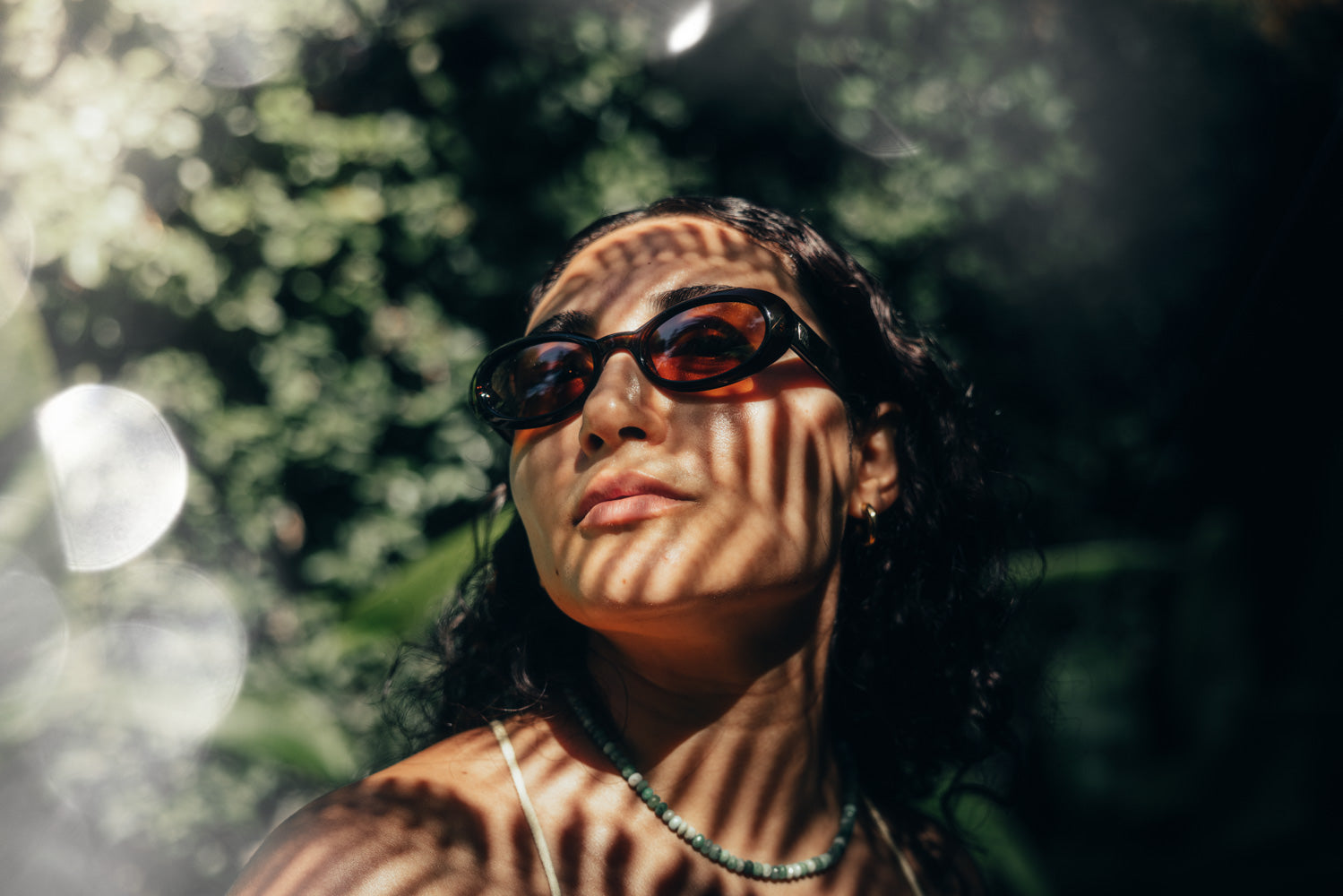
Why our assets?
All of our assets are shot in-house. None of them are 3D rendered, meaning we shoot all assets in real life with real cameras which give them the realistic look. For that, we use the latest pro model cameras, resulting in unparalleled quality and high-res overlays with up to 11,000 pixels on the long edge.
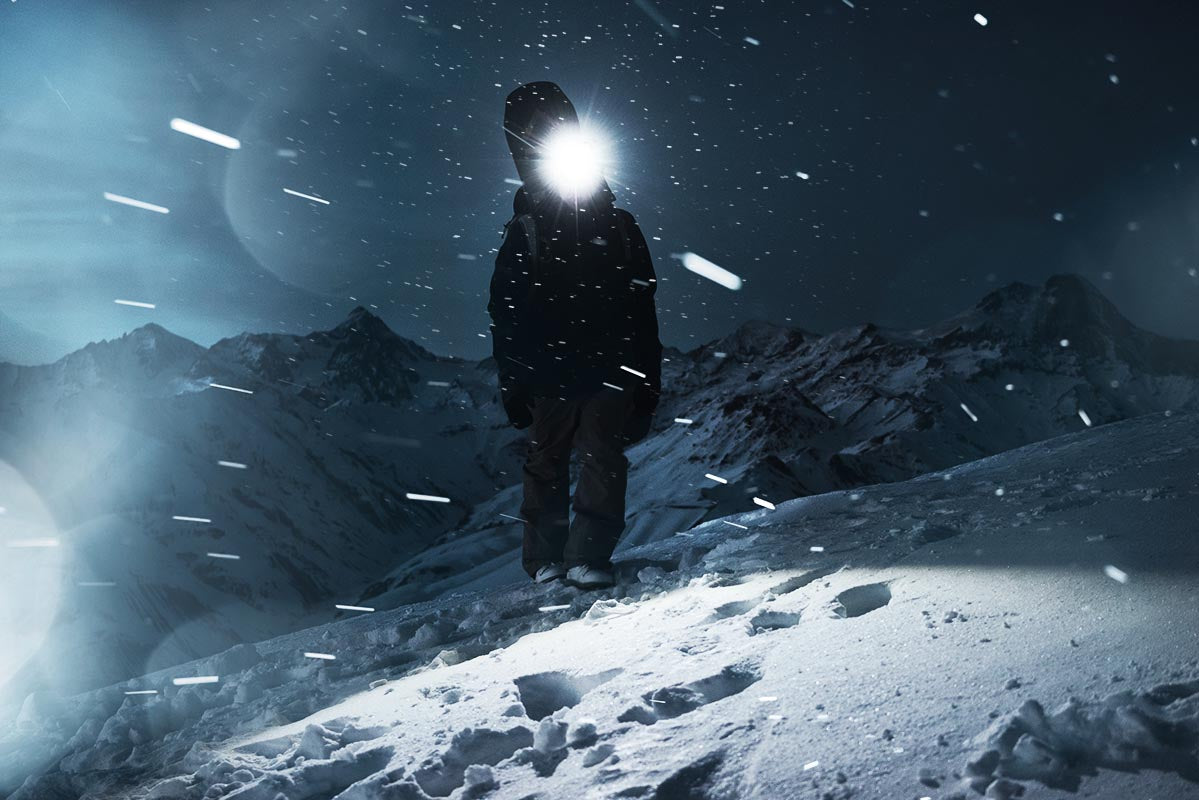
Compatible with?
Photoshop CS6 or newer, Affinity Photo or similar Desktop/Mobile editing software that support different blend modes and Photoshop Brushes. Customer support only available for Photoshop CS6 and newer.
About the Bundle
An incredible 338 optically captured and high quality jpeg overlays + 297 brushes that can be easily imported into Photoshop (or any similar photo editing software). This package includes a variety of overlays & brushes such as clouds, dust clouds, fog, smoke, mist, light rays, flares, spotlights, glass, crystal elements, now particles and real anamorphic lens flares to give you high quality and ultra realistic results. Soft and feathered edges will make the overlays & brushes work in any position on your photos.
Why our assets?
All of our assets are shot in-house. None of them are 3D rendered, meaning we shoot all assets in real life with real cameras which give them the realistic look. For that, we use the latest pro model cameras, resulting in unparalleled quality and high-res overlays with up to 11,000 pixels on the long edge.
Compatible with?
Photoshop CS6 or newer, Affinity Photo or similar Desktop/Mobile editing software that support different blend modes and Photoshop Brushes. Customer support only available for Photoshop CS6 and newer.
A message from the founder of care4art.co

As a commercial photographer, I’ve been to countless destinations and client shoots where the conditions just weren’t quite right for what we envisioned. That’s exactly why my team and I started creating these digital assets to enhance your photos (and ours) with just a few clicks.
I personally use them all the time to elevate my edits, stand out from the crowd, and deliver the highest quality work to my clients.
Below, you’ll see some images edited using these digital assets, which I’ve either shared on my Instagram page @care4art or delivered to clients.
Before & After
See our overlays & brushes in action.


- 비고비경 고.Verified Buyer11 hours agoRated 5 out of 5 stars포토샵마스터 번들
포토샵 최적의 무기! 다양한 장르에 최적의 사진을 만들수 있습니다
- ETElaine T.Verified Buyer1 month agoRated 5 out of 5 starsBrilliant
Great overlays, made a huge difference to my creative editing, thank you
- HBHarris B.Verified Buyer3 months agoRated 5 out of 5 starsTop notch
Easily some of my favorite tools in my editing workflow. Once you start using them, there’s no going back. Top notch quality + the sheer number of assets makes them an absolute steal for the price
Ccare4art.co2 months agoThanks for your review Harris! So glad the quality and value hit the mark for you. Happy editing with all those assets! :-) Your care4art.co team
- FFaisalVerified Buyer5 months agoRated 5 out of 5 starsPure cinema
I’ve purchased around $200 worth of brushes and/or overlays but none of them come close to these. Happy with my purchase, use em all the time
- AFAntonio F.Verified Buyer6 months agoRated 5 out of 5 stars5 Stars
Best overlays and brushes I’ve used. They add a really cinematic feel to my images and honestly exceeded my expectations. 💪🏽
Ccare4art.co5 months agoHi Antonio! Thank you so much for your review! We're absolutely thrilled to hear that the overlays and brushes exceeded your expectations! Your care4art.co team.
See our products in action.
A blog about our products and how creatives use them to achieve game-changing results.
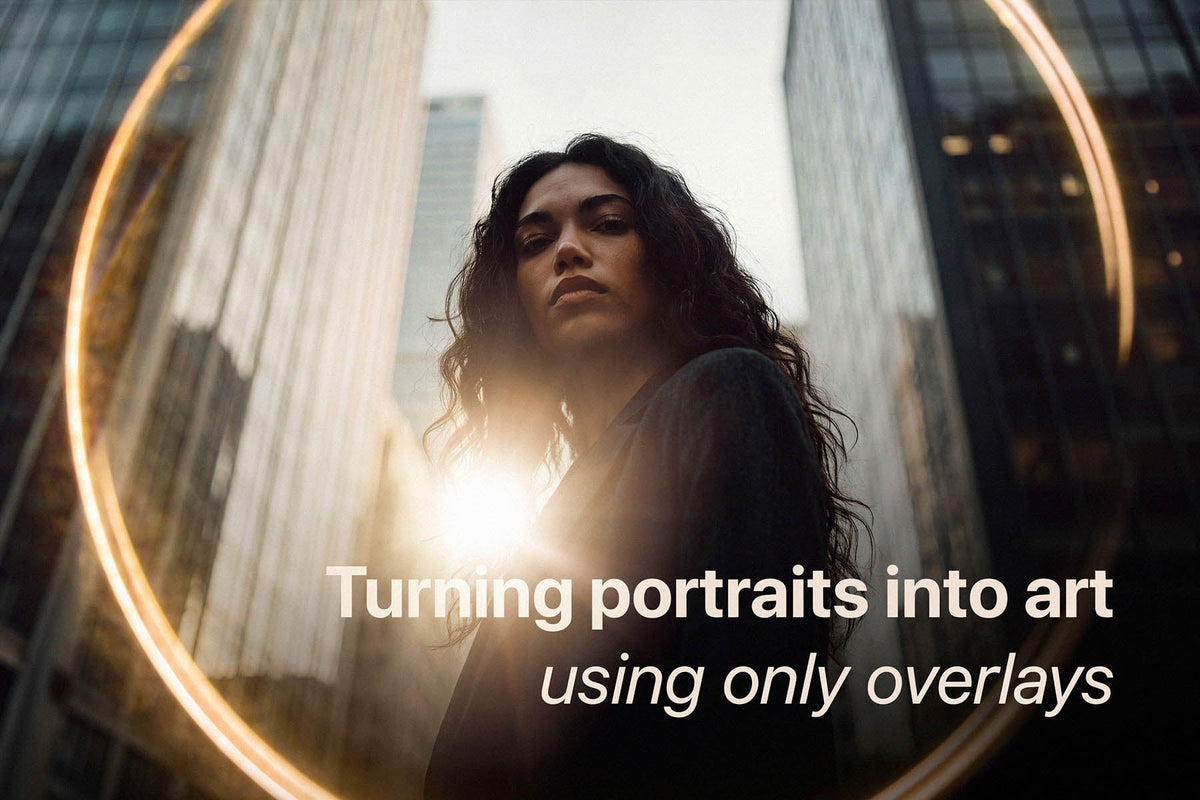
How to Add Mood and Character to Portrait Photos (3-Step Editing Method)
Let’s be honest: we’ve all taken a portrait that is technically spot-on. The focus is crisp, the exposure is right where it needs to be, and your subject looks great. And yet, it feels a little pla...
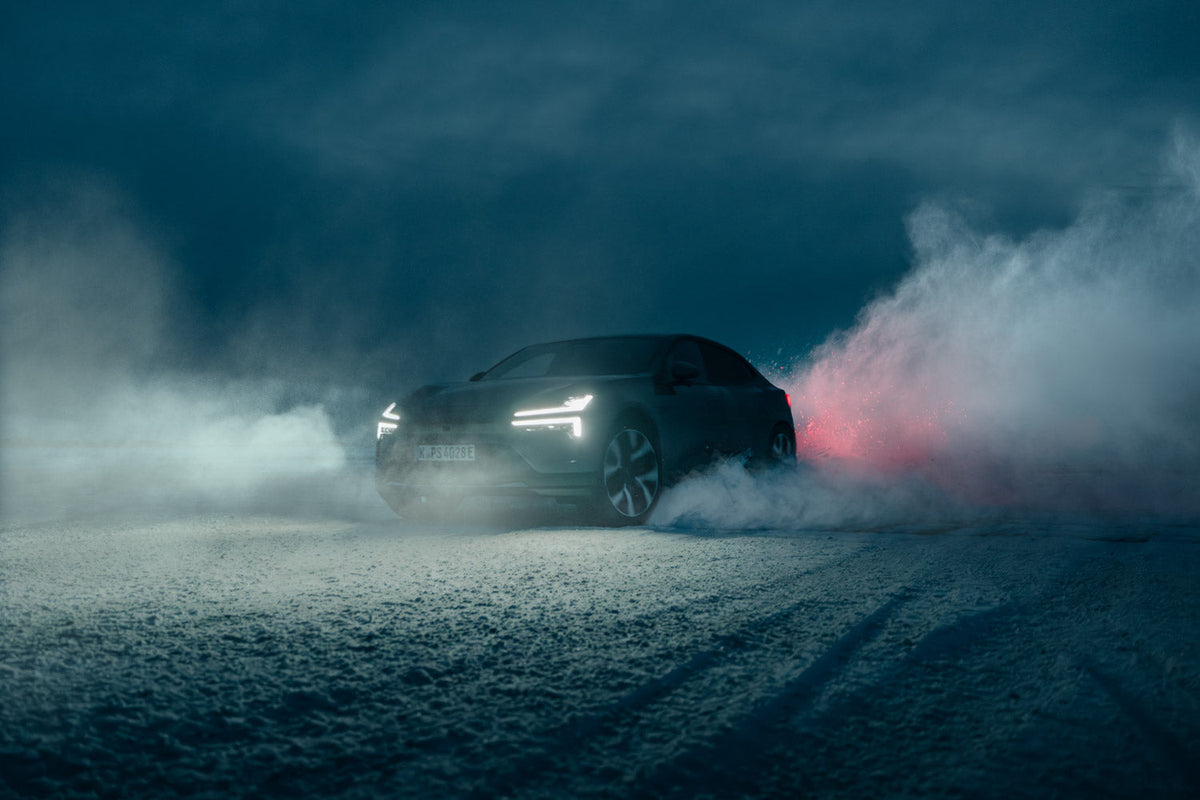
How to Use Photoshop Overlays on High-Resolution Photos Without Banding
Shooting a high-end commercial campaigns on medium format? Discover why standard overlays fall apart at 100MP, and how care4art.co is rewriting the rules for pro-grade post-production.
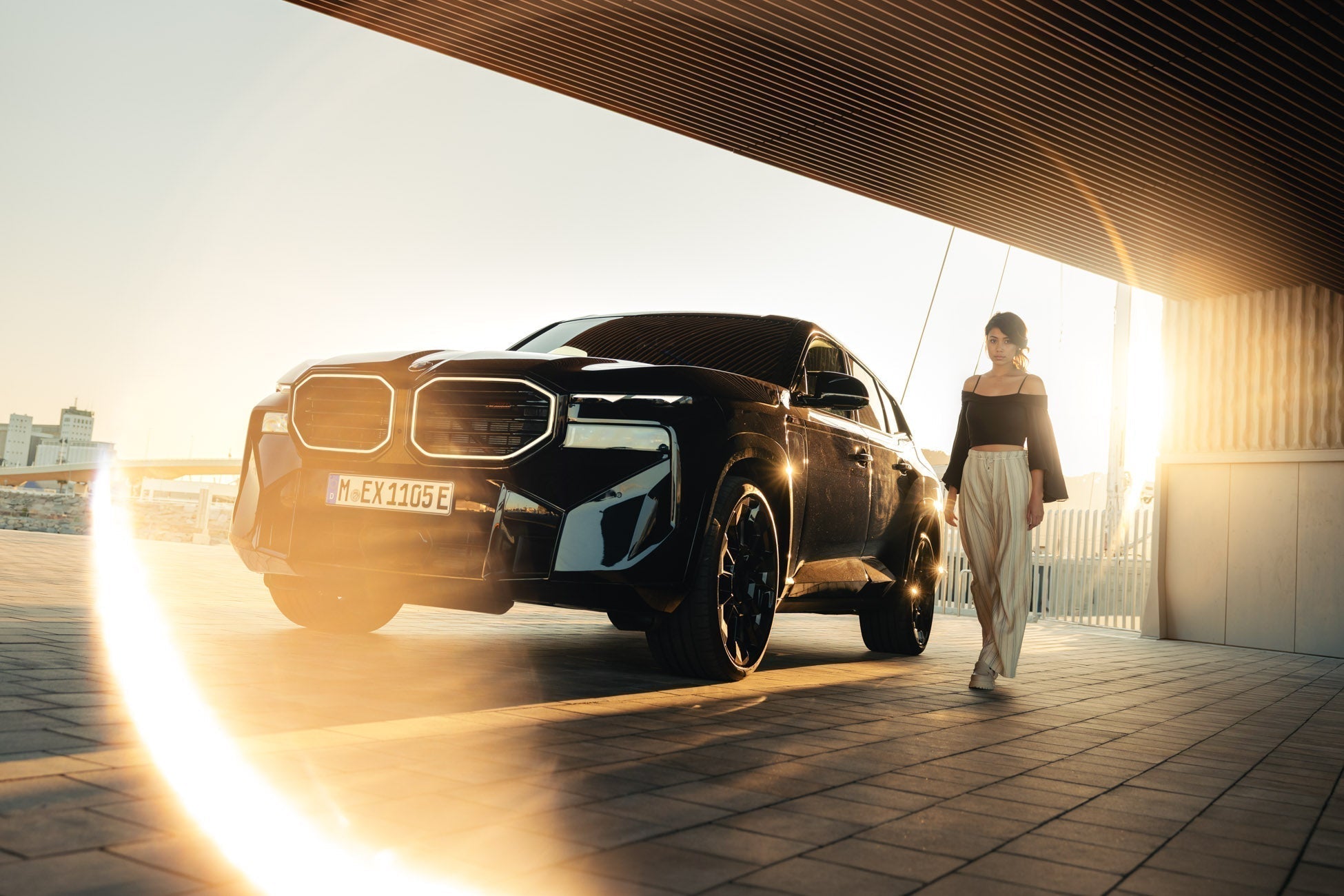
How to Create a Ring of Fire / Halo Light Effect in Photoshop
This post introduces the Halo Pro Optical Overlay Pack, a collection of 28 "Ring of Fire" light effects captured from real physical optics rather than AI or digital simulations.
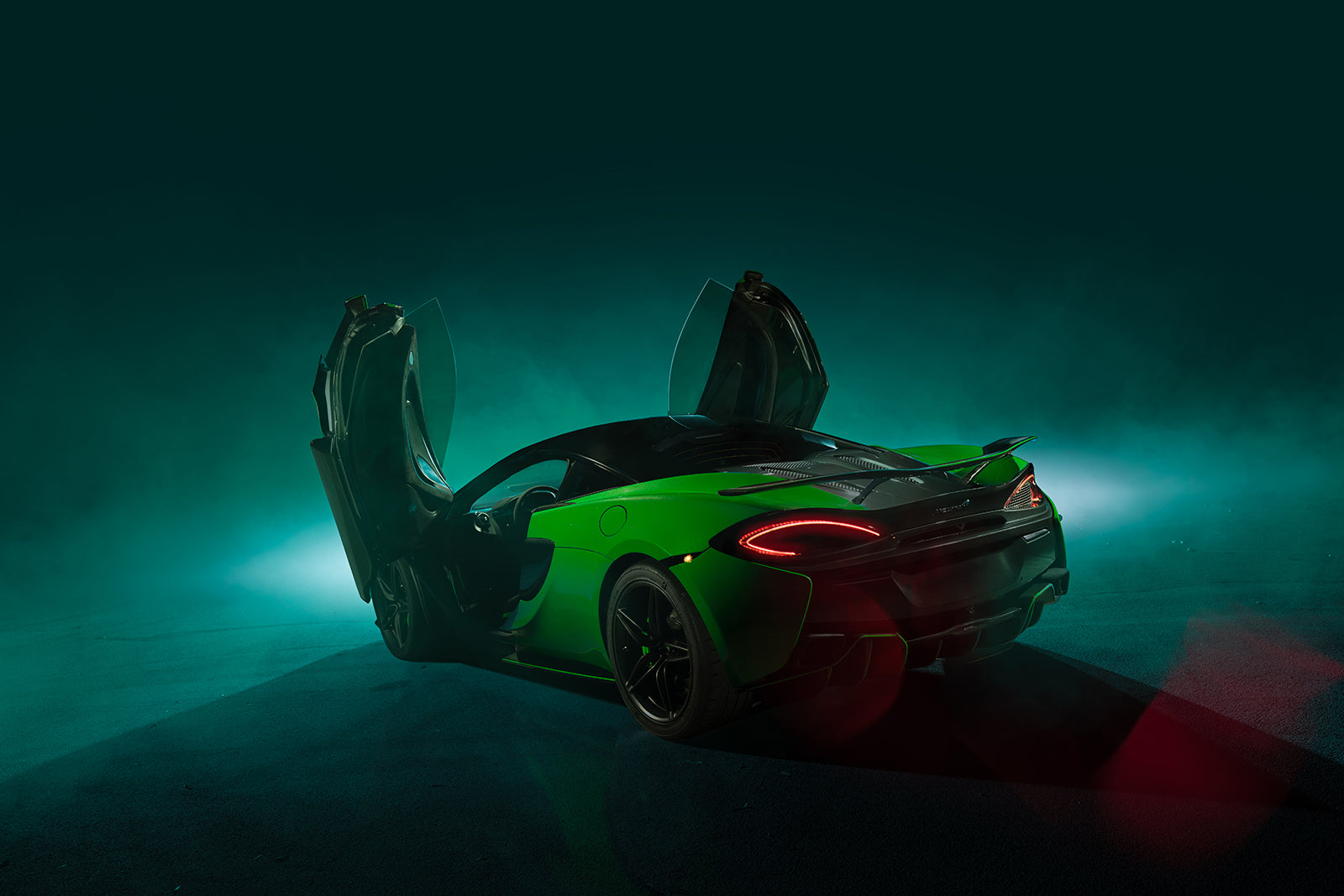
Cameron Scialdone's automotive photography
Automotive photographer Cameron Scialdone uses strobe lighting and care4art.co Photoshop brushes and overlays to sculpt light, emotion, and cinematic depth into every frame.
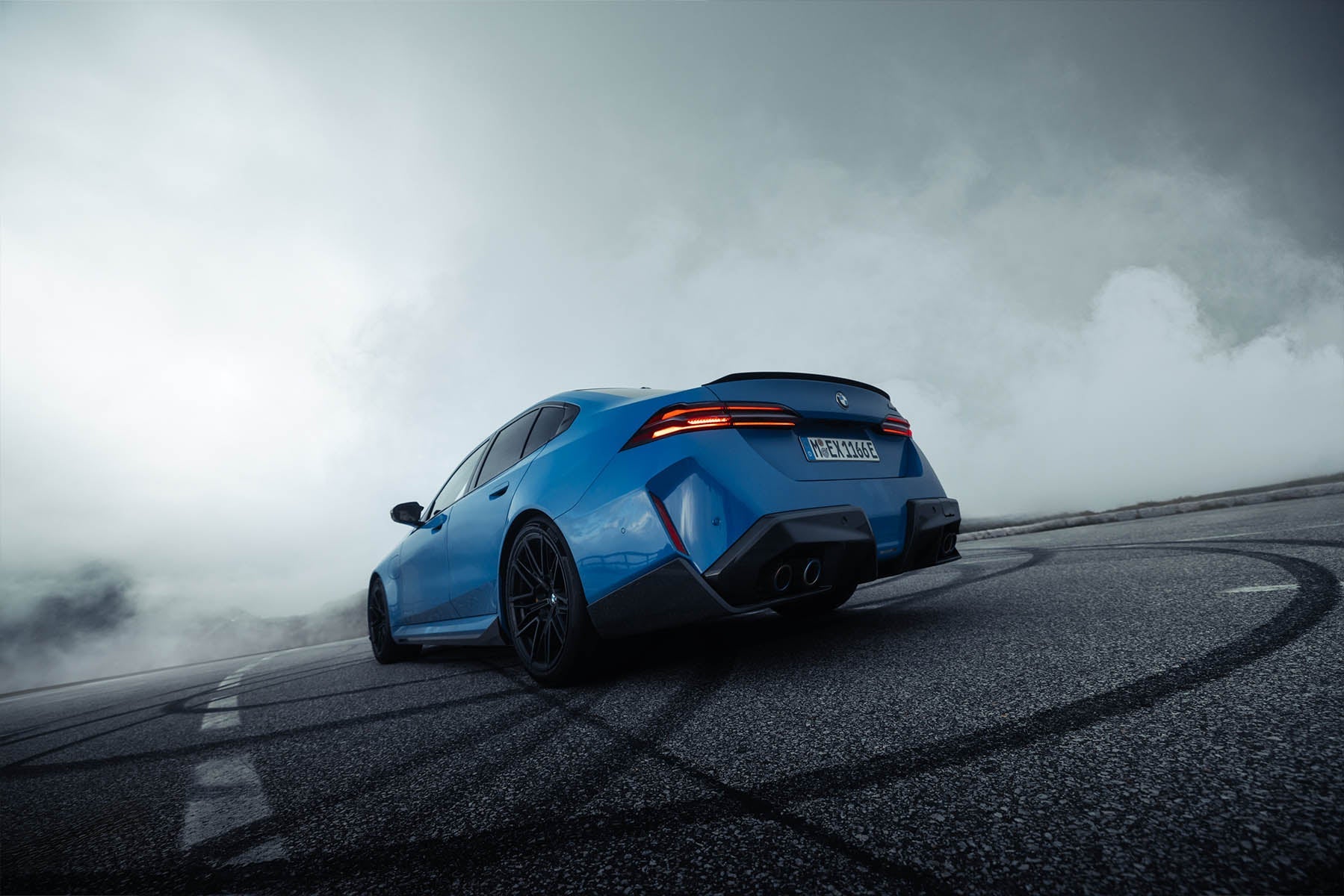
How to Photograph and Edit Car Exteriors for Automotive Brands
Shooting for a car brand is different from shooting for yourself. The pressure to make a familiar vehicle look genuinely cinematic, not just "car in a parking lot with nice light," is real. Here's ...
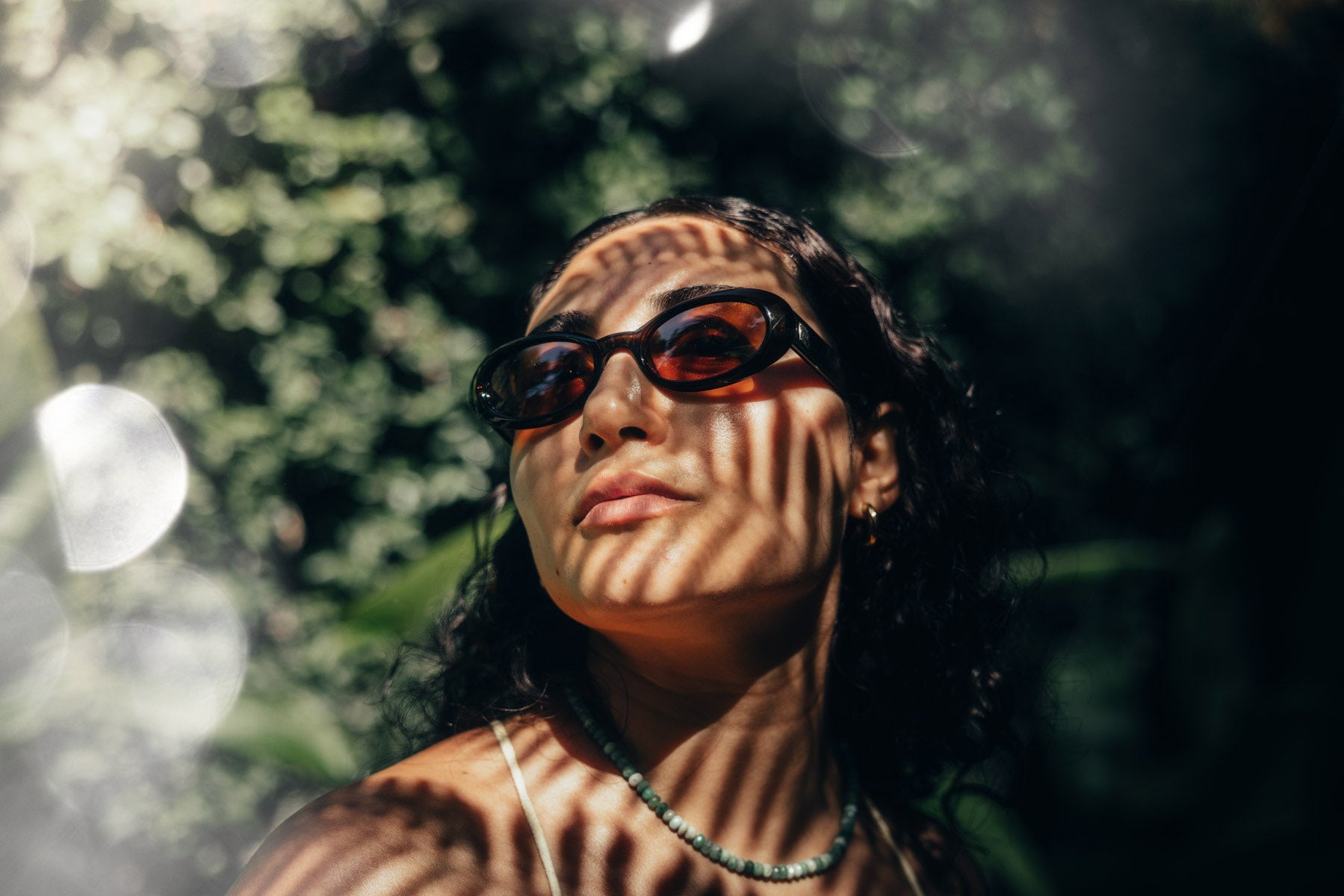
Want That Vibey Lifestyle Look? It Might Just Be One Overlay Away.
How One Overlay Can Totally Change the Vibe of a Photo What difference could one overlay possibly make to a photo? A big one, if I do say so myself. I get asked all the time about my style and how ...
Customers also bought