



Light Rays Pro
Tax included.
The best rays for cinematic edits.
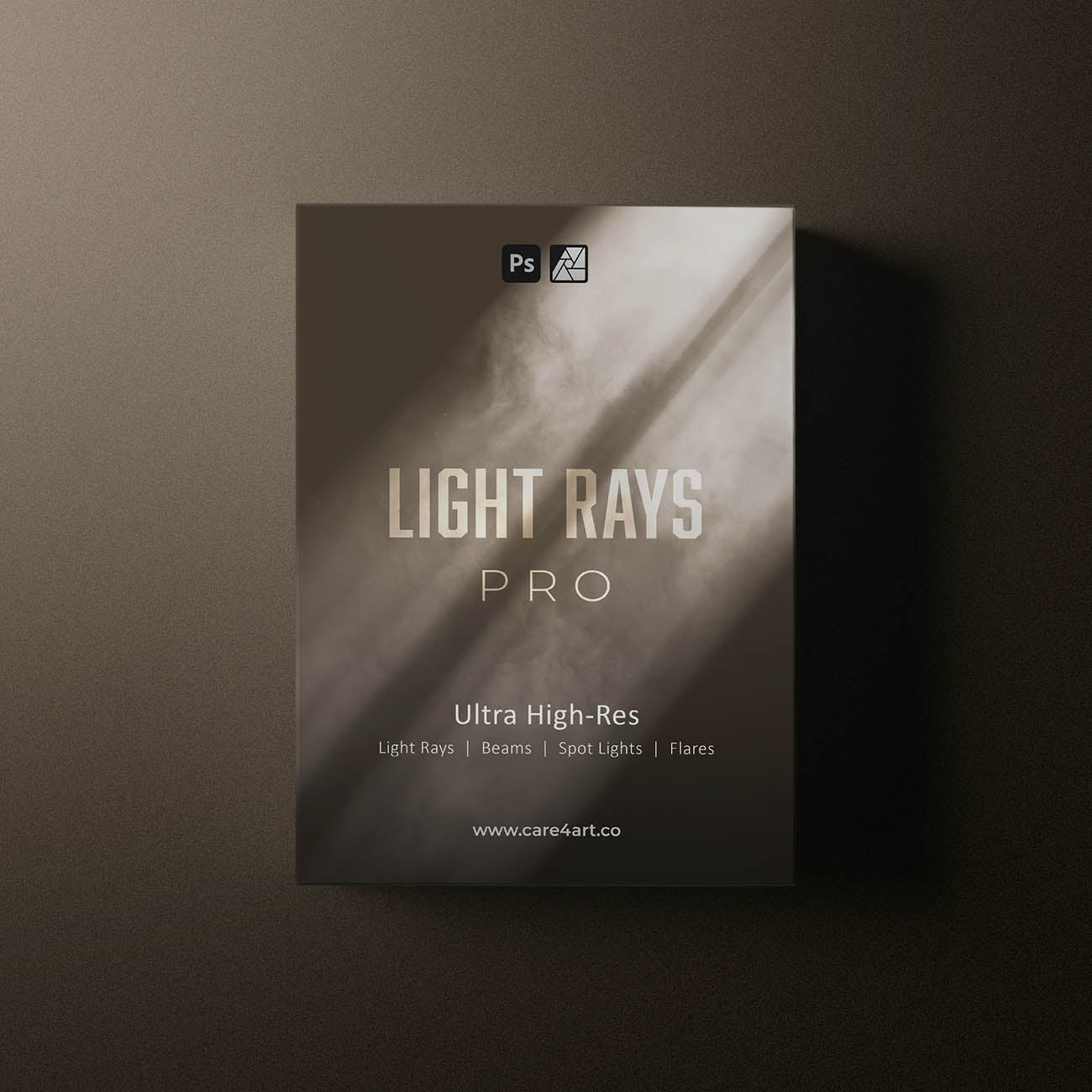
58 ultra realistic and super high-res light ray, beam, spotlight, and flare overlays & brushes for cinematic depth and atmosphere.
✅ Compatible with Photoshop & Affinity Photo

All of our assets are shot in-house or in nature. None of them are 3D rendered, meaning we shoot all assets in real life with real cameras which give them the realistic look. For that, we use the latest pro model cameras, resulting in unparalleled quality and high-res overlays with up to 11000 pixels on the long edge.
- 58 high res 8bit jpeg overlays (up to 11000px)
- 58 high res 16bit png overlays (up to 11000px)
- 58 high res Photoshop Brushes (up to 5000px) Photoshop Action for best looking results
- Installation Guide for Photoshop (PDF)
- Installation Guide for Affinity Photo (PDF)
Download size: 7GB
- Photoshop CS6 and newer
- Affinity Photo 1 & 2
Please note: In order to store the overlays in the Creative Cloud library, Photoshop CC is required.


Create cinematic edits with ease.
Use these realistic light rays, spotlights, beams, and flares to enhance backlighting, shape dramatic highlights, and add depth and atmosphere to your images. Simply layer and position them where light would naturally appear, then fine-tune opacity and brightness with our Photoshop Action to achieve a believable, cinematic look.

What is Light Rays Pro?
This professional Light Rays & Cinematic Flare Overlay Pack includes 58 ultra-realistic, super high-resolution overlays and brushes designed to add cinematic depth, atmosphere, and dramatic lighting to your photos and digital artwork.
The pack features 8-bit JPEG and 16-bit PNG overlays up to 11,000 pixels, ensuring maximum image quality for both web and print projects. In addition, you get high-resolution Photoshop brushes for flexible, non-destructive editing workflows.

Why get our assets?
Trusted by over 20,000+ creatives worldwide, all of our assets are created in-house, in real life and shot on real cameras. For that, we use the latest pro model cameras, resulting in unparalleled quality and high-res overlays with up to 11,000 pixels on the long edge.

Compatible with?
Photoshop CS6 or newer, Affinity Photo or similar Desktop/Mobile editing software that support different blend modes and Photoshop Brushes. Customer support only available for Photoshop CS6 and newer.
What is Light Rays Pro?
This professional Light Rays & Cinematic Flare Overlay Pack includes 58 ultra-realistic, super high-resolution overlays and brushes designed to add cinematic depth, atmosphere, and dramatic lighting to your photos and digital artwork.
The pack features 8-bit JPEG and 16-bit PNG overlays up to 11,000 pixels, ensuring maximum image quality for both web and print projects. In addition, you get high-resolution Photoshop brushes for flexible, non-destructive editing workflows.
Why get our assets?
Trusted by over 20,000+ creatives worldwide, all of our assets are created in-house, in real life and shot on real cameras. For that, we use the latest pro model cameras, resulting in unparalleled quality and high-res overlays with up to 11,000 pixels on the long edge.
Compatible with?
Photoshop CS6 or newer, Affinity Photo or similar Desktop/Mobile editing software that support different blend modes and Photoshop Brushes. Customer support only available for Photoshop CS6 and newer.

A message from the founder of care4art.co
As a professional photographer, I’ve been to countless destinations and client shoots where the conditions just weren’t quite right for what we envisioned. That’s exactly why my team and I started creating these digital assets to enhance your photos (and ours) with just a few clicks.
I personally use them all the time to elevate my edits, stand out from the crowd, and deliver the highest quality work to my clients.
Below, you’ll see some images edited using these digital assets, which I’ve either shared on my Instagram page @care4art or delivered to clients.
Before & After
See our overlays & brushes in action.


See our products in action.
A blog about our products and how we use them to achieve game-changing results.
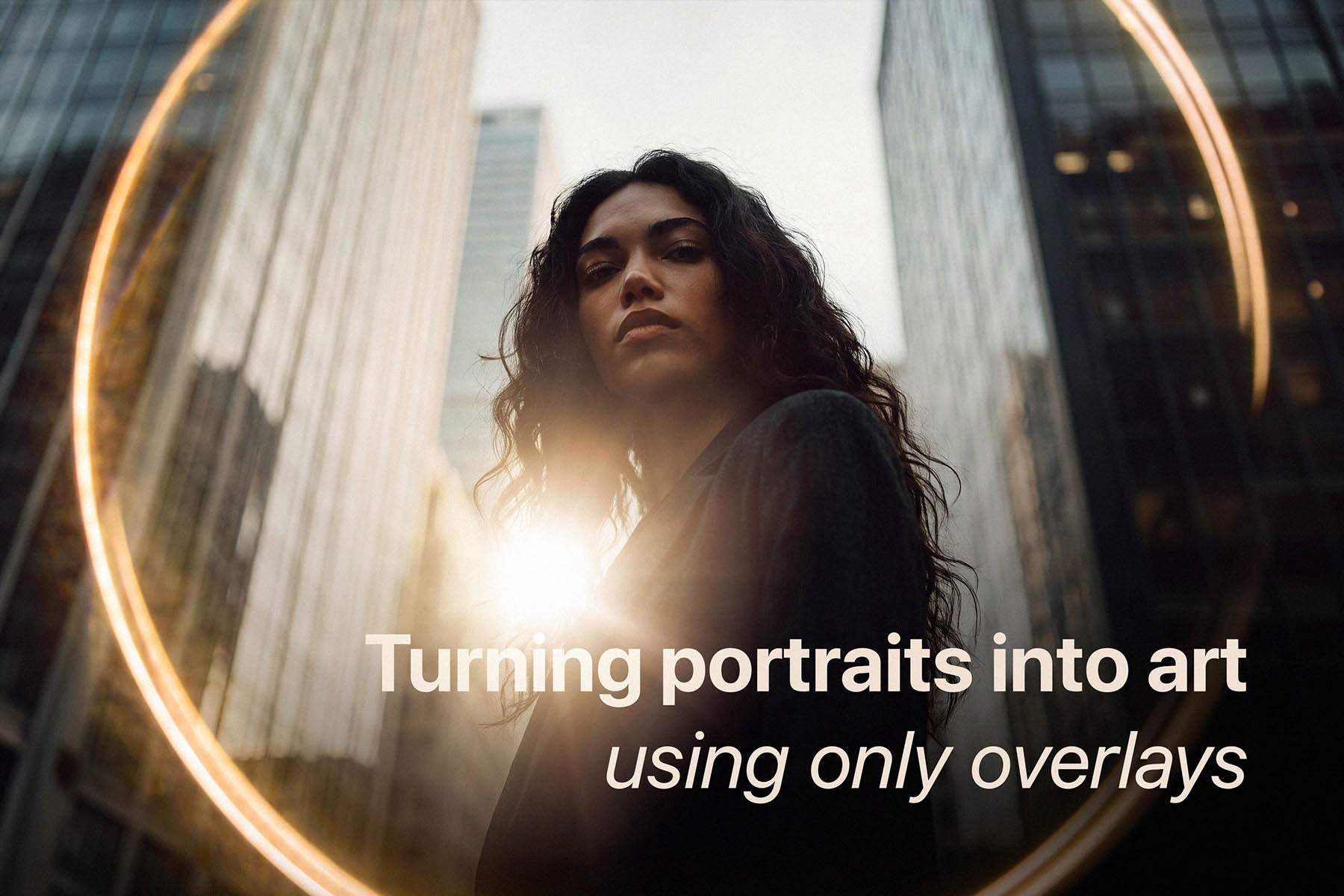
Adding Personality to Your Portraits
Let’s be honest: we’ve all taken a portrait that is technically spot-on. The focus is crisp, the exposure is right where it needs to be, and your subject looks great. And yet, it feels a little pla...
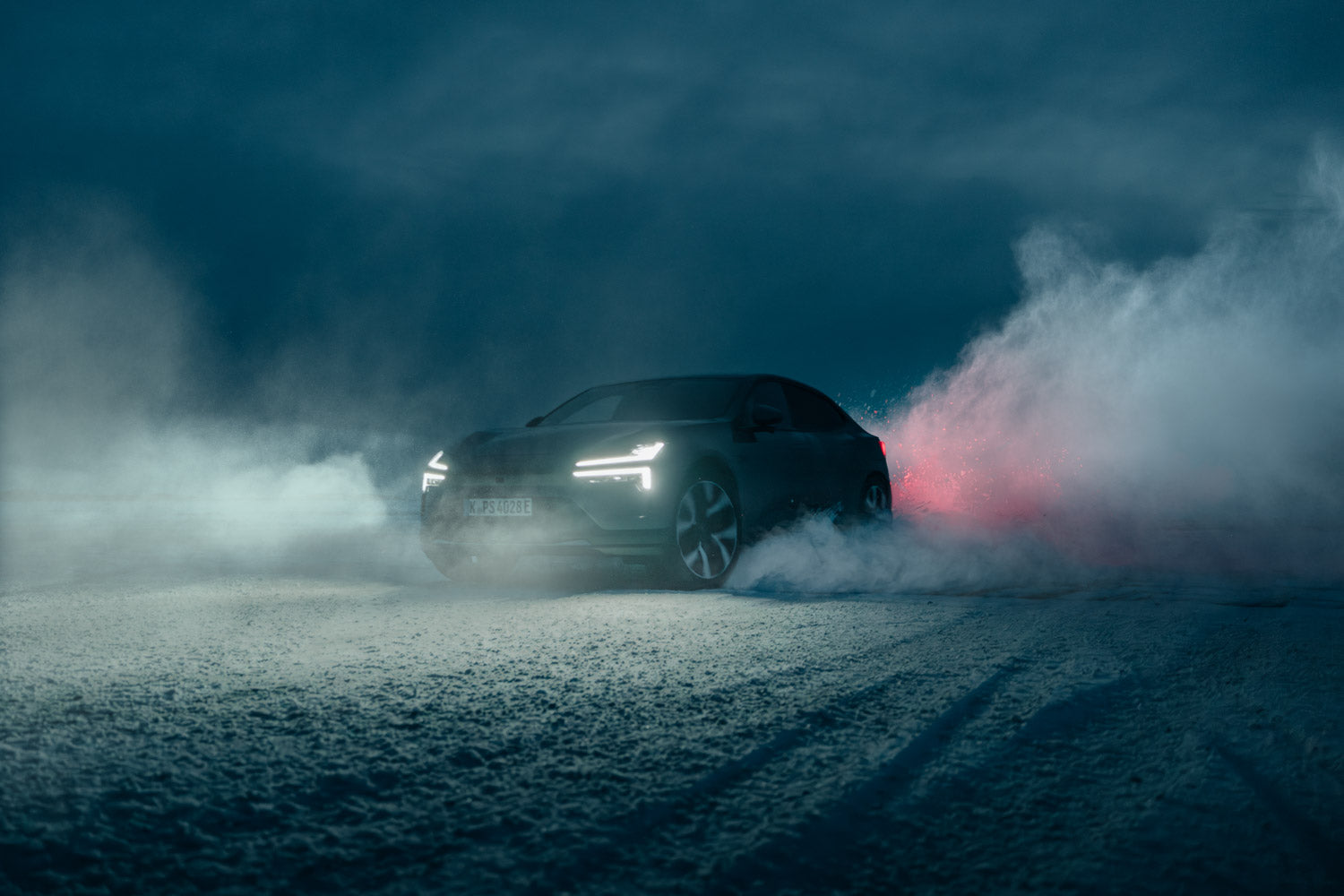
Shot On Hasselblad: Why 100MP Commercial Shots Need Pro-Grade Assets
Shooting a high-end commercial campaigns on medium format? Discover why standard overlays fall apart at 100MP, and how care4art.co is rewriting the rules for pro-grade post-production.

Halo Pro - Introducing our newest product
This post introduces the Halo Pro Optical Overlay Pack, a collection of 28 "Ring of Fire" light effects captured from real physical optics rather than AI or digital simulations.

Cameron Scialdone's automotive photography
Automotive photographer Cameron Scialdone uses strobe lighting and care4art.co Photoshop brushes and overlays to sculpt light, emotion, and cinematic depth into every frame.
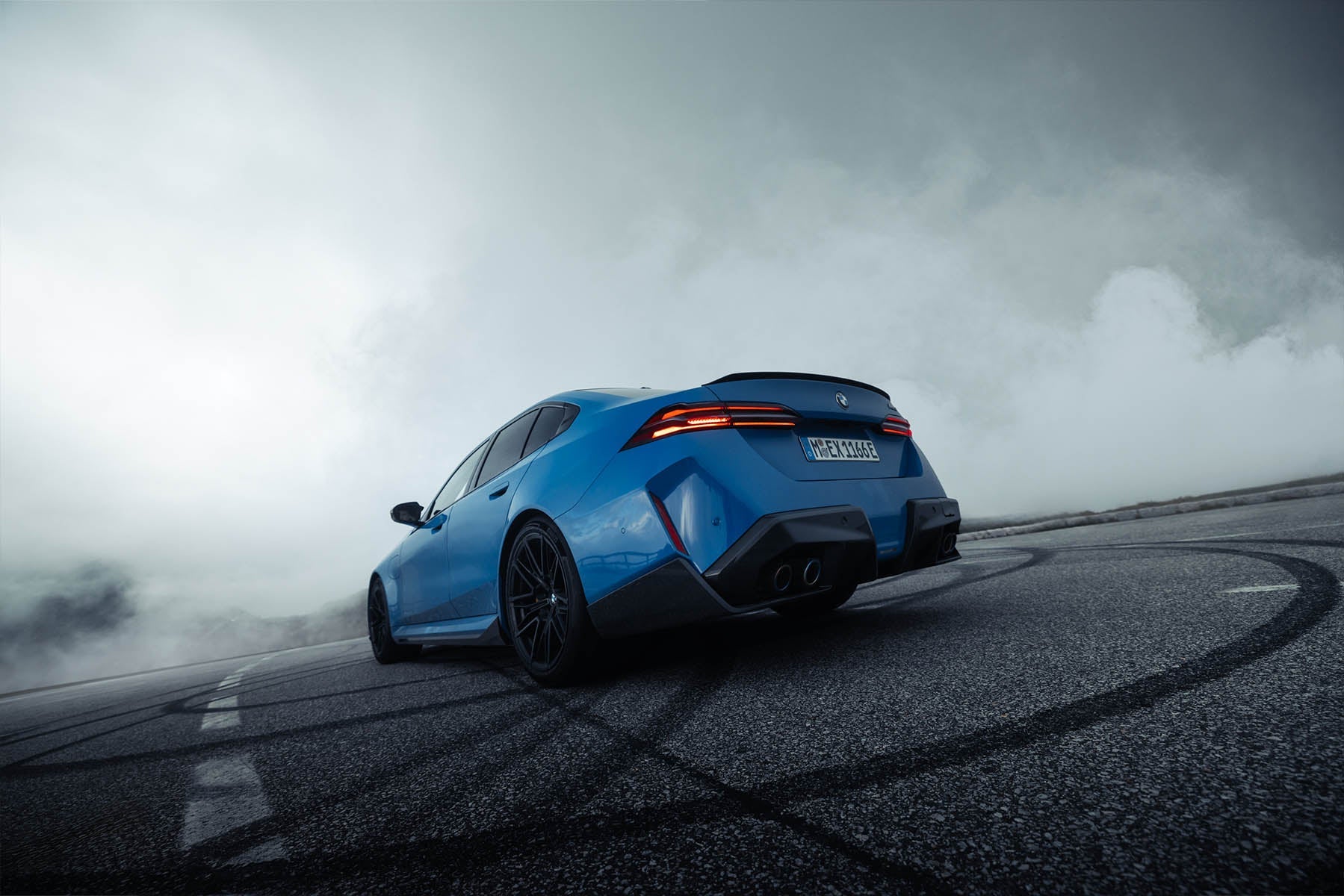
In a sea of car photographers and a world full of cars people see every single day, how do you make one stand out? I think it all comes down to the right lens, the right angle, the right location, ...
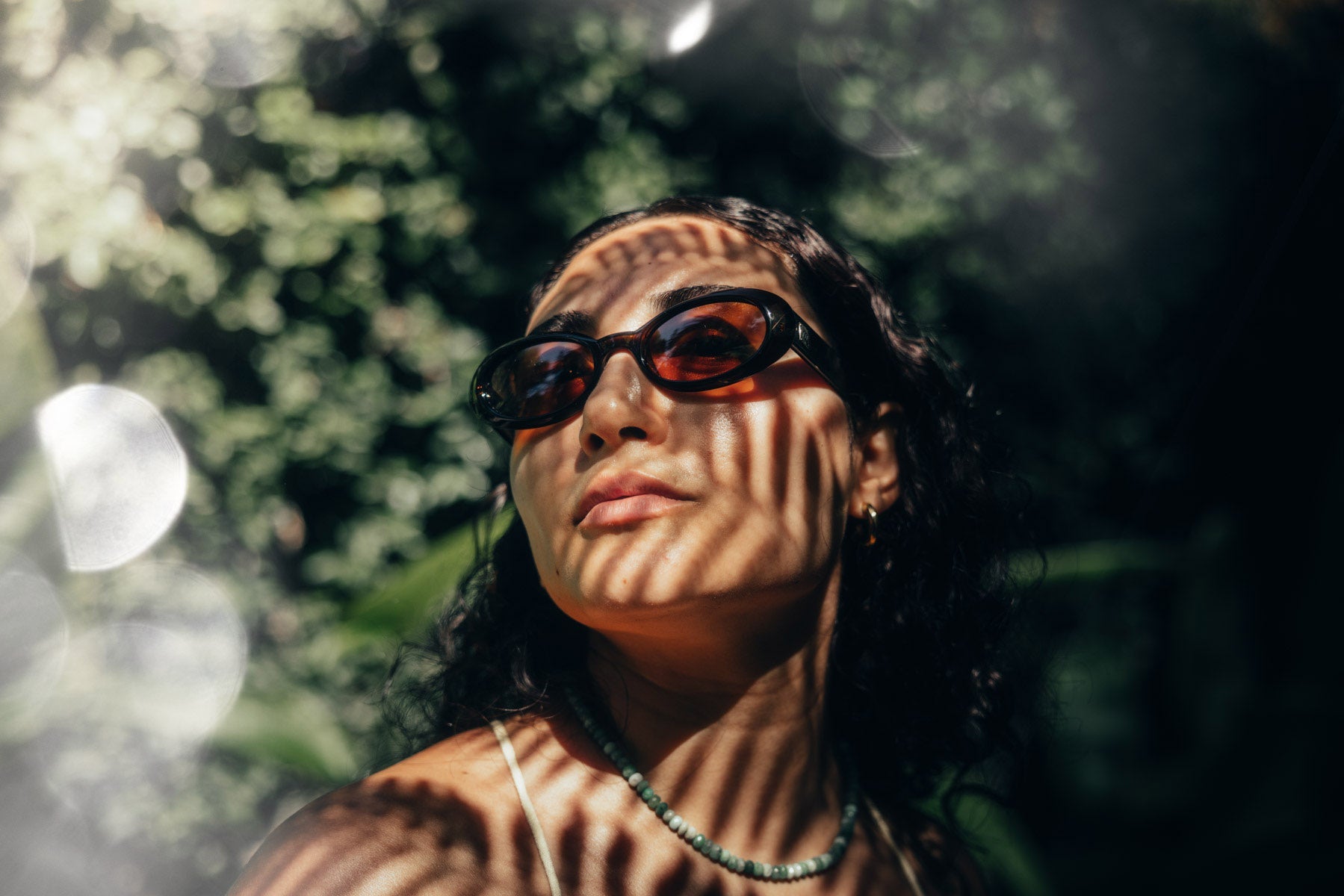
Want That Vibey Lifestyle Look? It Might Just Be One Overlay Away.
How One Overlay Can Totally Change the Vibe of a Photo What difference could one overlay possibly make to a photo? A big one, if I do say so myself. I get asked all the time about my style and how ...
Customers also bought