


Photoshop / Halo Pro

Halo Pro
Tax included.
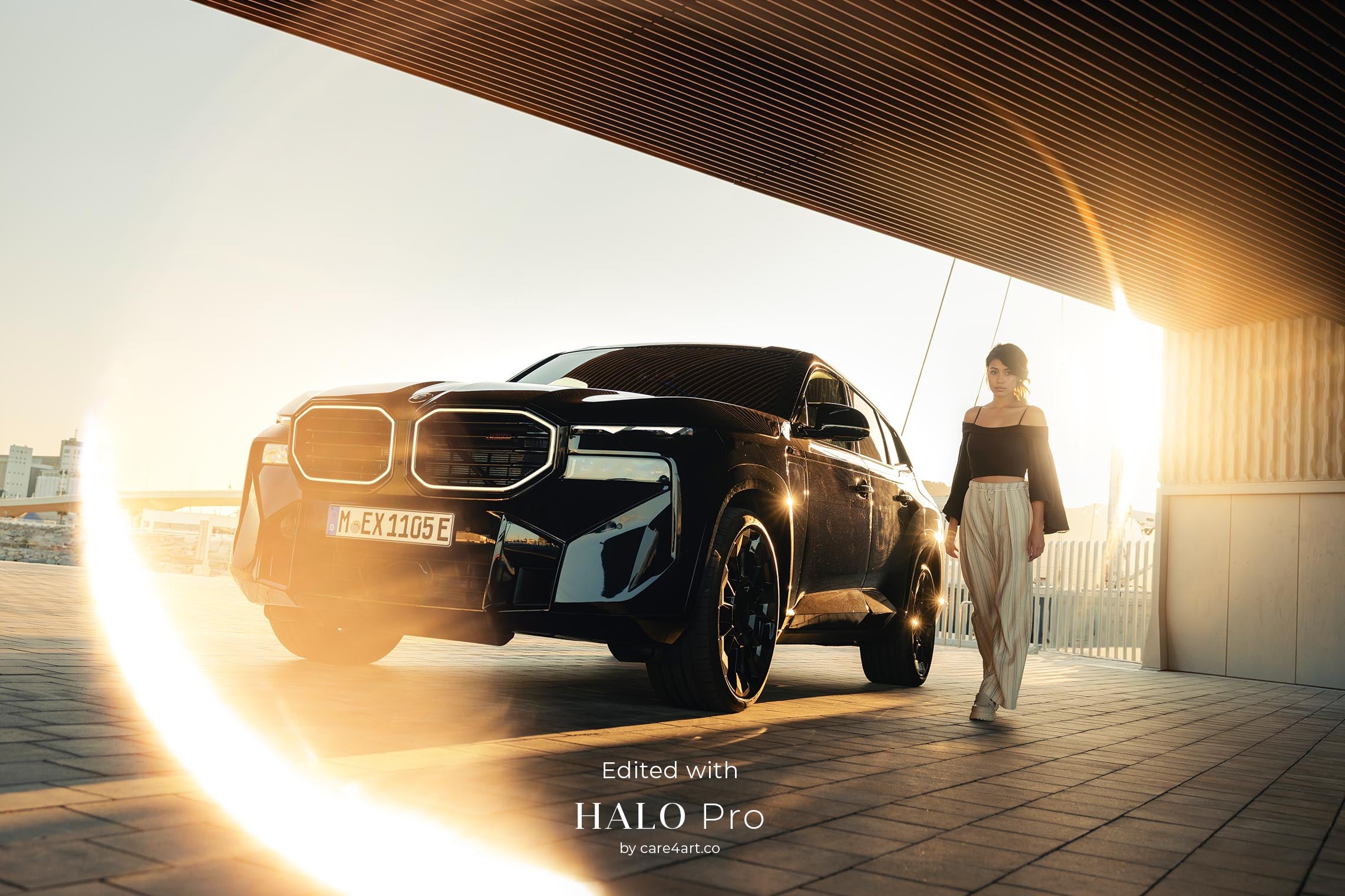
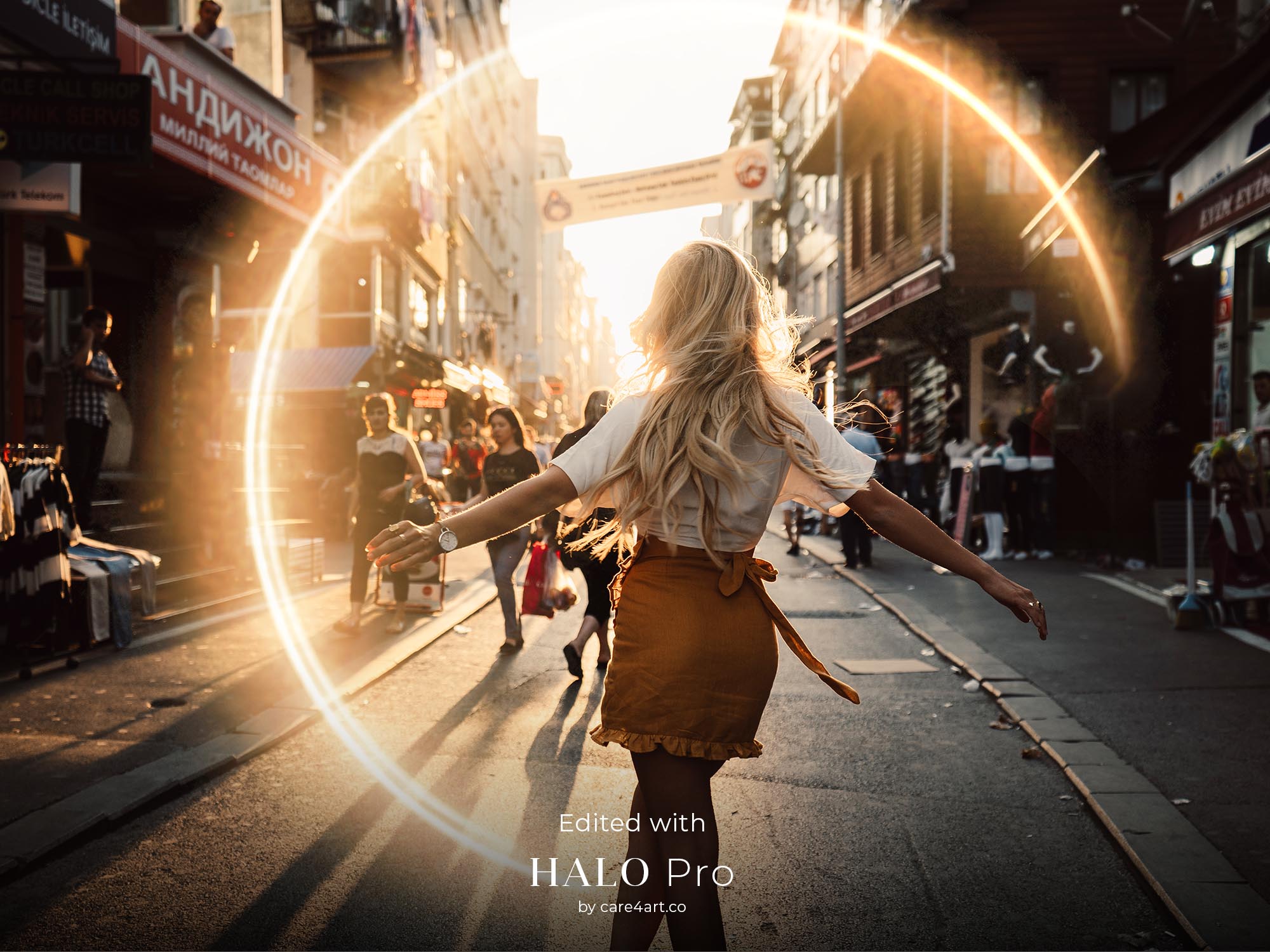
Cinematic ring of fire overlays.
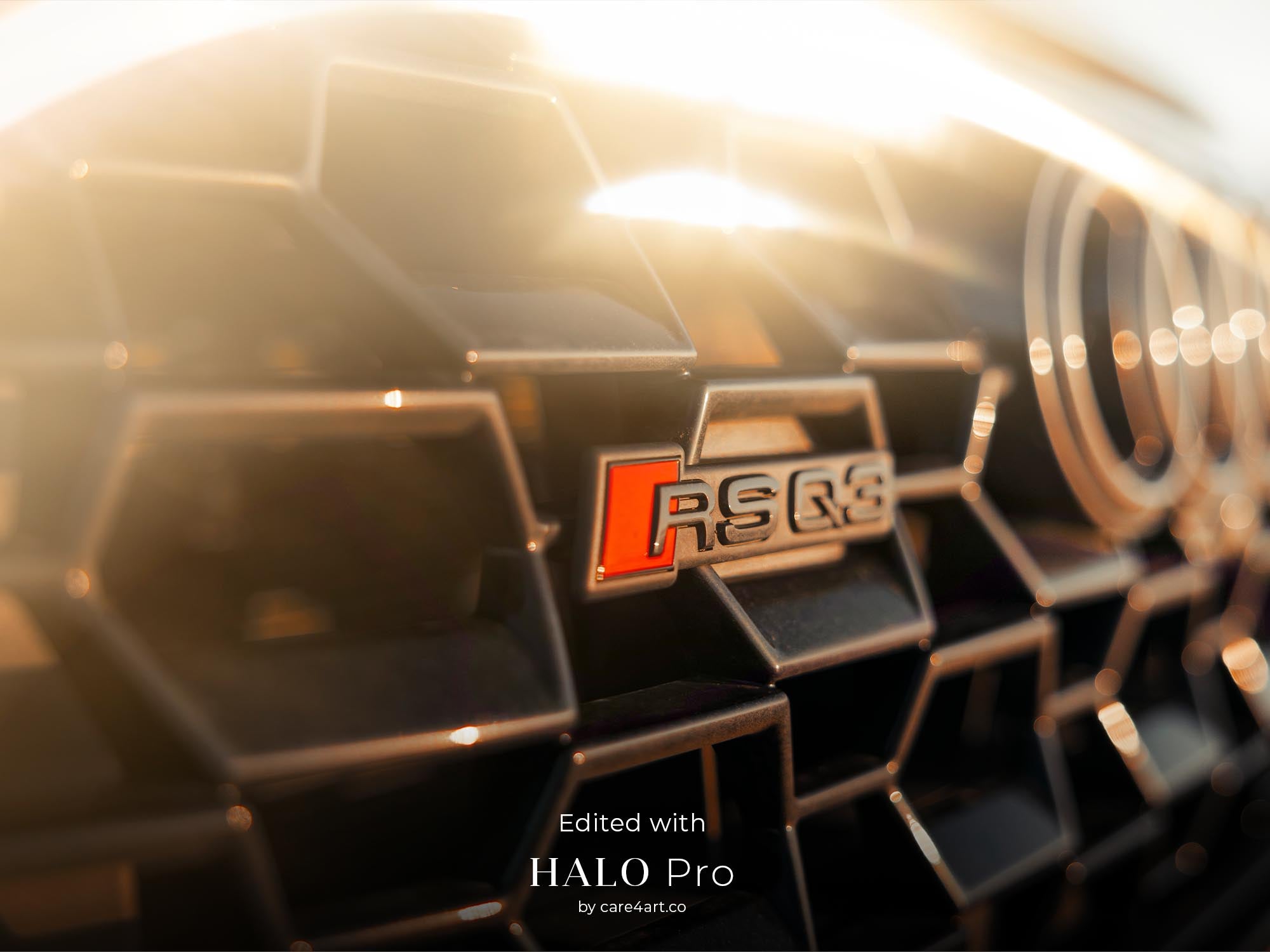
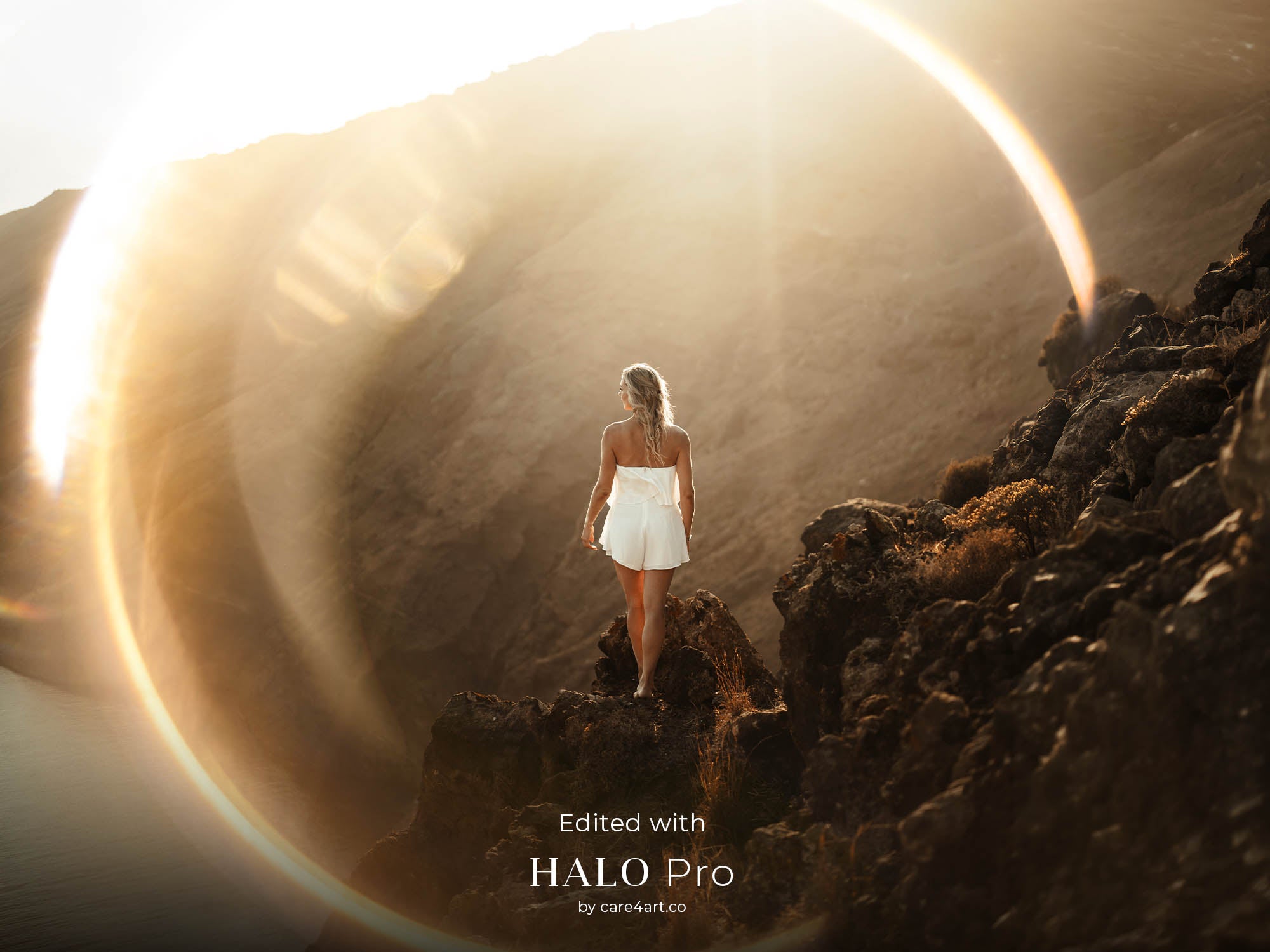
28 pro-grade, 16-bit optical overlays designed to add authentic "Ring of Fire" halos and organic depth to your work. Created from real light and physical lenses, for a seamless, cinematic glow in your images.
✓ Optically Captured (No "AI" look)
✓ Up to 11K Resolution (For crisp, large-scale prints)
✓ Instant Download (Get creating in 3 minutes)
✓ Easy installation guide for Photoshop & Affinity Photo
- 28 high-res 8bit jpeg overlays (up to 11,000px)
- 28 high-res 16bit png overlays (up to 11,000px)
- Super high resolution (print & retouch-ready)
- Wide variation in glow intensity, texture, and shape
- Installation Guide for Photoshop (PDF)
- Installation Guide for Affinity Photo (PDF)
Download size: 4GB
All of our assets are shot in-house or in nature. None of them are 3D rendered, meaning we shoot all assets in real life with real cameras which give them the realistic look. For that, we use the latest pro model cameras, resulting in unparalleled quality and high-res overlays with up to 11,000 pixels on the long edge.
- Photoshop CS6 and newer
- Affinity Photo 1 & 2
- Mac and Windows
Please note: In order to store the overlays in the Creative Cloud library, Photoshop CC is required.
Why Halo Pro?

Unmatched Quality.
No AI generates pixels. We capture physics. Get 10K resolution that AI can't touch. Available as 8-bit JPEG and 16-bit PNG overlays up to 11,000 pixels, ensuring maximum image quality for both web and print projects.
Made by industry pros.
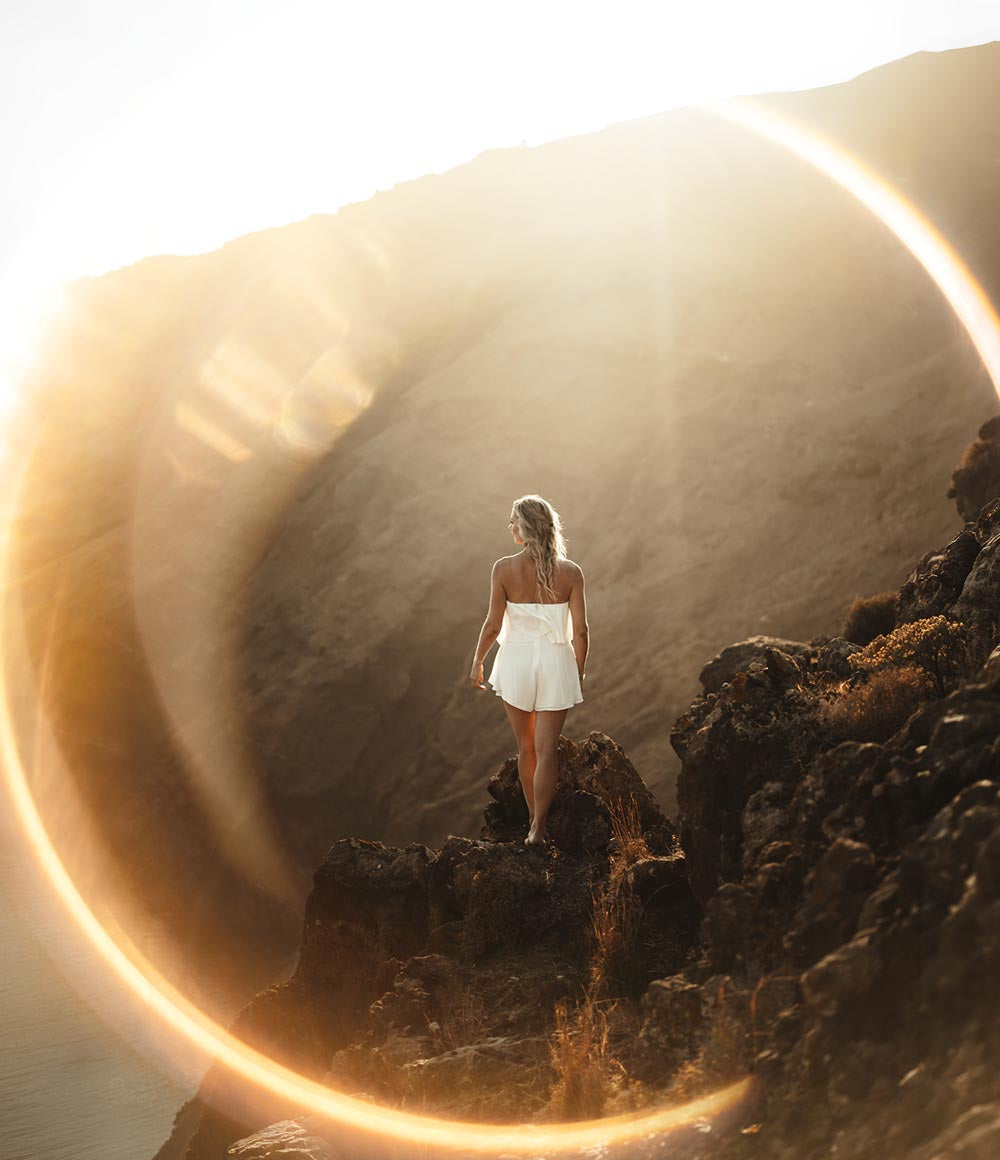
Trusted by over 30,000+ content creators and agencies worldwide, all of our assets are created in-house, in real life and shot on real cameras. For that, we use the latest pro model cameras, resulting in unparalleled quality.
High Compatibility.
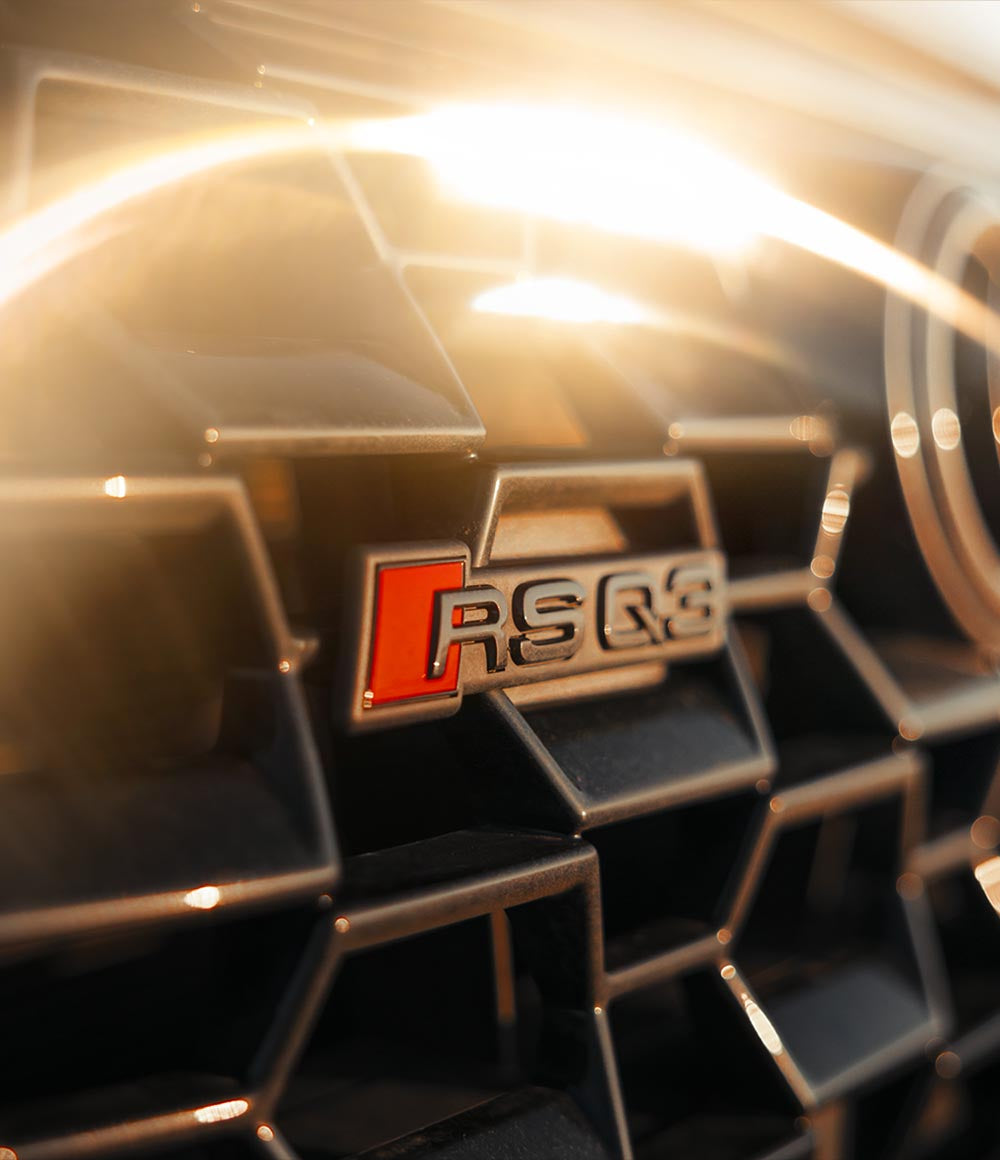
Photoshop CS6 or newer, Affinity Photo or similar Desktop/Mobile editing software that support different blend modes and Photoshop Brushes.
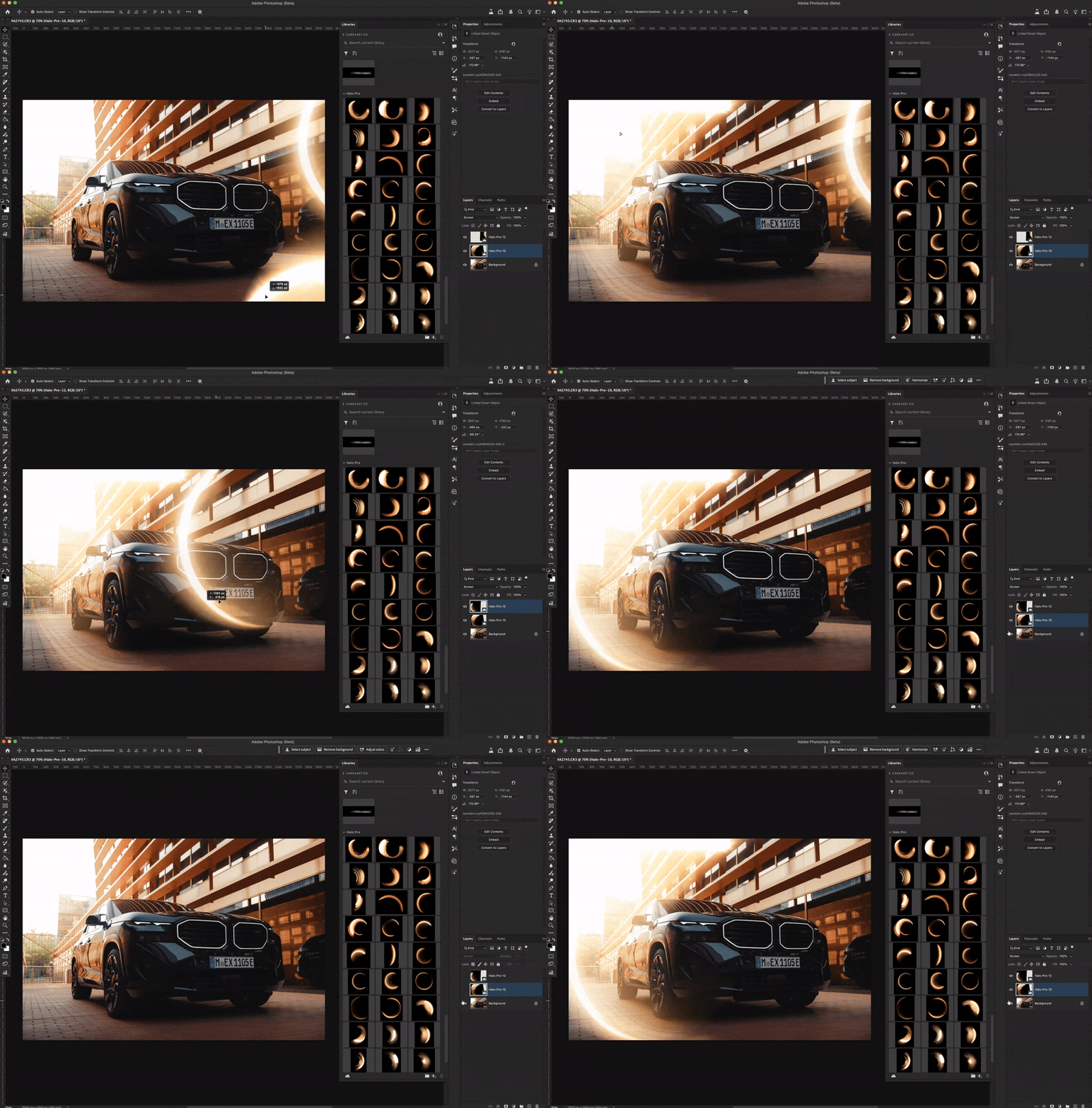
We do what AI can't. The most cinematic overlays available.
Halo Pro delivers the most cinematic light-shaping assets in your toolkit. Something AI simply cannot replicate.This collection features assets captured from real light and physical lenses to create authentic 'Ring of Fire' halos. While AI generates flat, digital artifacts, Halo Pro follows the laws of physics to provide organic depth and a seamless, high-fidelity glow. For the pro creator, this means total control and a sophisticated, 'shot-on-film' finish that keeps your work looking authentic and high-end at any scale.
Why care4art.co?

Before & After
See our overlays in action.


A message from the founder of care4art.co

As a commercial photographer, I’ve been to countless destinations and client shoots where the conditions just weren’t quite right for what we envisioned. That’s exactly why my team and I started creating these digital assets to enhance your photos (and ours) with just a few clicks.
I personally use them all the time to elevate my edits, stand out from the crowd, and deliver the highest quality work to my clients.
Below, you’ll see some images edited using these digital assets, which I’ve either shared on my Instagram page @care4art or delivered to clients.
See our products in action.
A blog about our products and how we use them to achieve game-changing results.

Best Photoshop Overlays and Brushes for Automotive Photography in 2026
Best Photoshop Overlays for Automotive Photography in 2026 Glossy paint and glass reflect everything around them, including a badly-chosen overlay. This guide ranks the overlays that actually hold ...

Best Photoshop Overlays for Portrait Photography in 2026
Best Photoshop Overlays for Portrait Photography in 2026 A technically perfect portrait can still look flat. This guide ranks the overlays that actually fix that, and shows you which one to reach f...
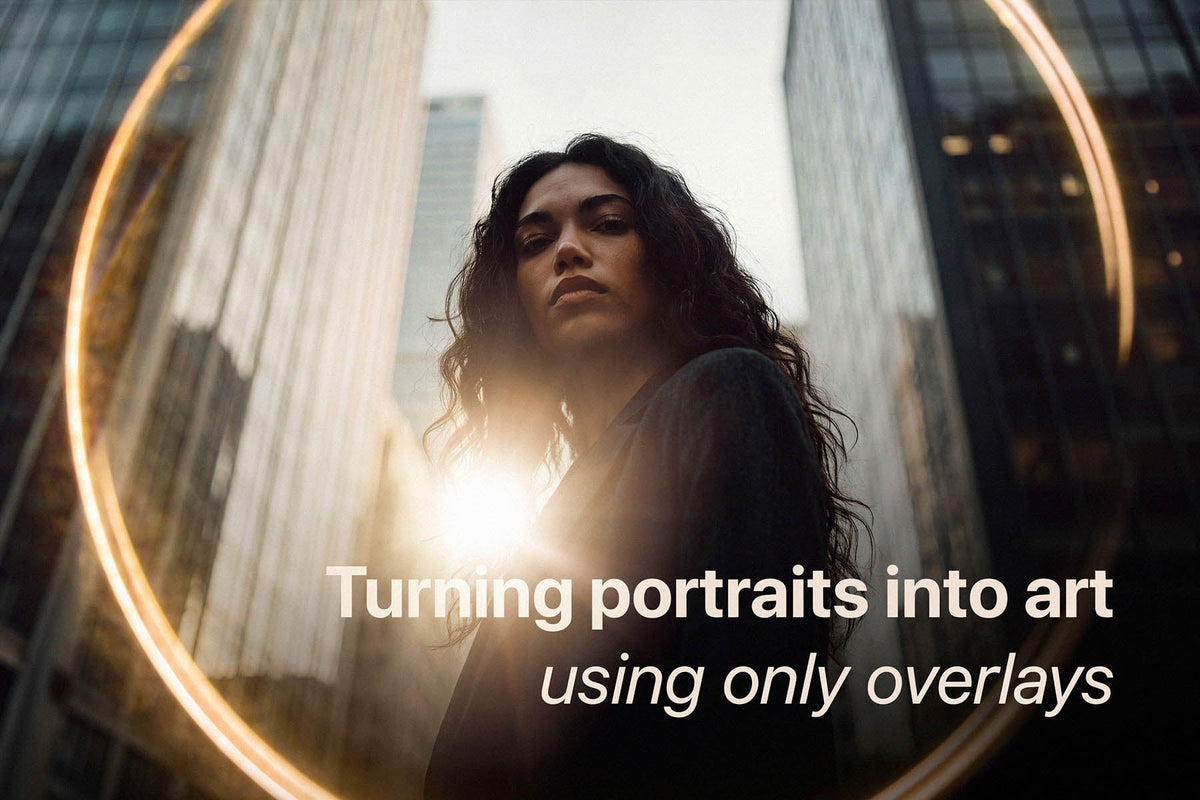
How to Add Mood and Character to Portrait Photos (3-Step Editing Method)
Let’s be honest: we’ve all taken a portrait that is technically spot-on. The focus is crisp, the exposure is right where it needs to be, and your subject looks great. And yet, it feels a little pla...
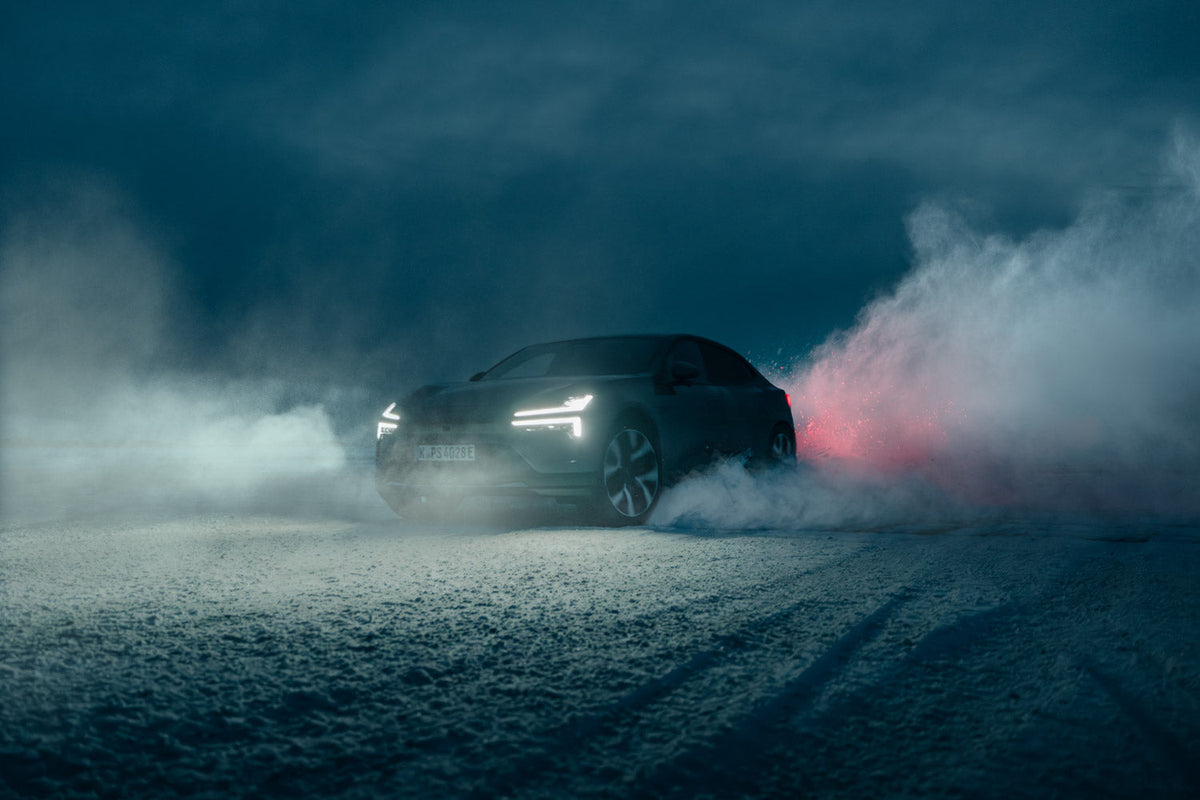
How to Use Photoshop Overlays on High-Resolution Photos Without Banding
Shooting a high-end commercial campaigns on medium format? Discover why standard overlays fall apart at 100MP, and how care4art.co is rewriting the rules for pro-grade post-production.
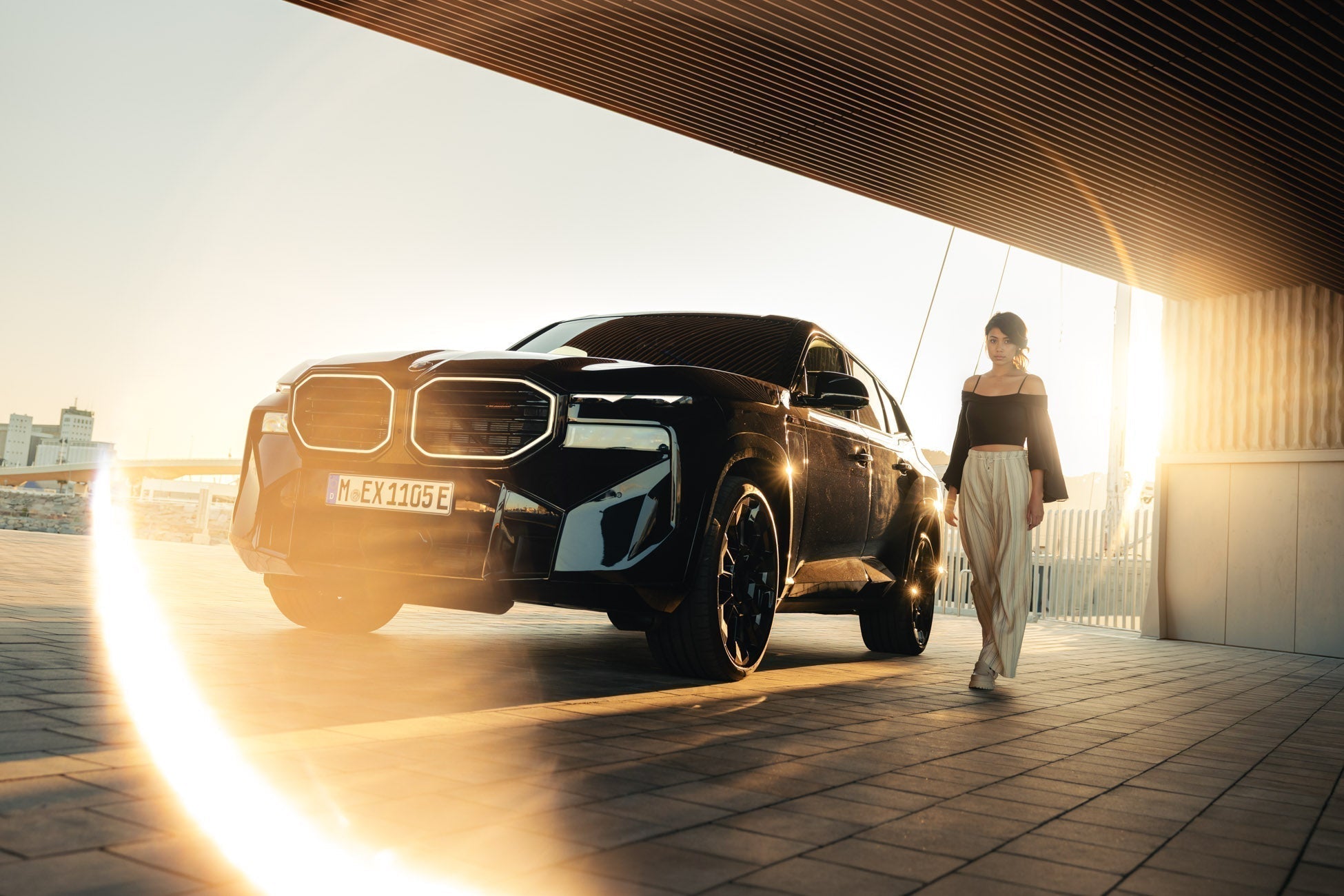
How to Create a Ring of Fire / Halo Light Effect in Photoshop
This post introduces the Halo Pro Optical Overlay Pack, a collection of 28 "Ring of Fire" light effects captured from real physical optics rather than AI or digital simulations.
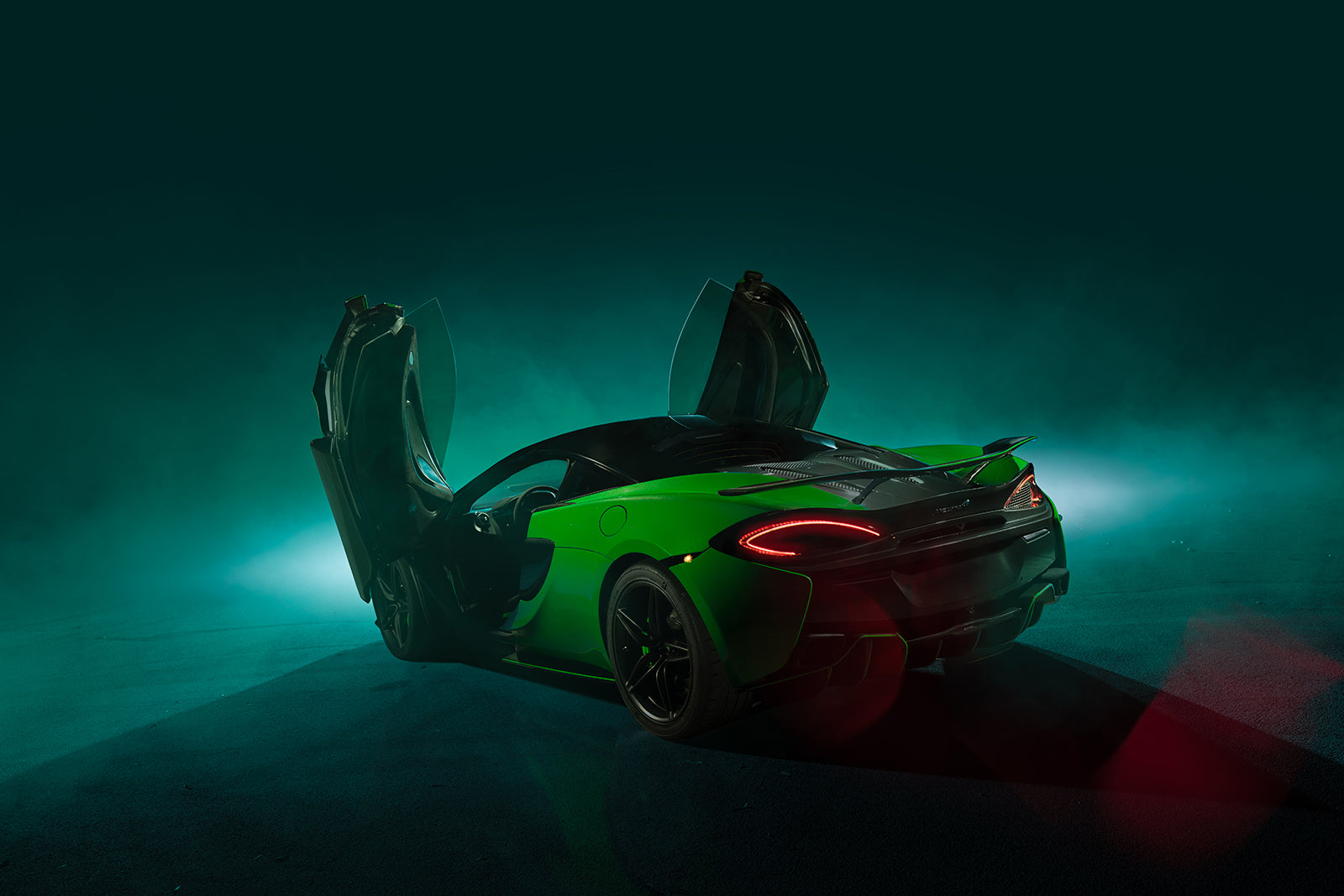
Cameron Scialdone's automotive photography
Automotive photographer Cameron Scialdone uses strobe lighting and care4art.co Photoshop brushes and overlays to sculpt light, emotion, and cinematic depth into every frame.
Customers also bought